Commercial access control installation in Easton, PA should be designed around the doors, users, credentials, schedules, locking hardware, egress requirements, infrastructure, and operating procedures of the property.
Northeast Remote Surveillance and Alarm, LLC designs and installs commercial access control systems in Easton, Pennsylvania for qualifying offices, warehouses, manufacturing facilities, healthcare properties, contractor facilities, commercial buildings, industrial sites, retail businesses, multi-tenant properties, and other non-residential environments.
For broader Easton access-control planning, visit Easton Commercial Access Control.
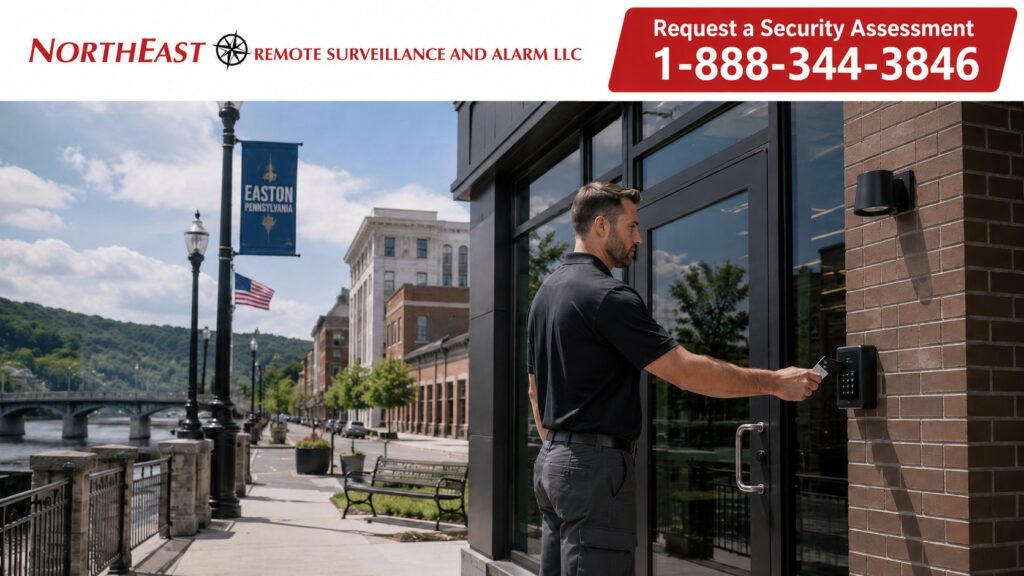
Start With the Doors
A new access-control project should begin with the physical openings that need to be controlled.
Planning may include:
- Main employee entrances
- Rear employee doors
- Office entrances
- Warehouse personnel doors
- Restricted rooms
- IT rooms
- Tool rooms
- Records rooms
- Interior department doors
- Shared tenant entrances
- Selected pedestrian gates where appropriate
The objective is not to place readers on as many doors as possible.
The objective is to identify which openings actually require controlled entry and then design the hardware, credentials, permissions, and schedules around those doors.
Complete Door Opening Evaluation
Access control is not simply the reader mounted beside the door.
Each controlled opening may require evaluation of:
- Door condition
- Frame condition
- Existing lock
- Electric strike
- Electrified lock
- Magnetic lock where appropriate
- Exit hardware
- Door closer
- Door contact
- Request-to-exit device
- Power supply
- Battery backup
- Cabling
- Fire-alarm interaction where required
- Emergency egress
The electronic access-control system and the physical door hardware should operate as one coordinated opening.
A credential can be accepted electronically and still fail to produce dependable access if the door, frame, lock, power, wiring, or programming is incorrect.
The installation should therefore be designed around the complete opening rather than the reader alone.
Credential Planning
Commercial access-control systems may support different credential technologies depending on the selected platform.
Potential options may include:
- Cards
- Key fobs
- Mobile credentials
- Individual PINs
- Other compatible electronic credentials
The credential strategy should reflect the workforce and how the organization intends to administer access.
A business with frequent employee turnover may prioritize simple enrollment and credential removal, while another organization may prefer mobile credentials or a combination of physical and mobile access.
Where accountability matters, individually assigned credentials are generally preferable to shared cards or shared codes.
Individual User Management
Access control provides greater accountability when each authorized person has an individual identity within the system.
User groups may include:
- Owners
- Managers
- Employees
- Maintenance staff
- Cleaning crews
- Contractors
- Vendors
- Temporary personnel
- After-hours personnel
When a person no longer requires access, the individual credential can be disabled without rekeying every controlled opening.
The system should also make it clear who is authorized to create, change, or remove users.
Door Permissions
Not every user needs access to every controlled door.
Permissions may be organized around:
- Job responsibility
- Department
- Door
- Building
- Location
- Schedule
- Management role
For example, an employee may need access to a main staff entrance and one operational area without receiving access to every restricted room in the property.
The system should provide only the access each person actually requires.
Access Schedules
Commercial access control can manage not only who may enter but also when entry is permitted.
Schedules may be useful for:
- Normal employee shifts
- Management access
- Weekend personnel
- Contractors
- Cleaning crews
- Temporary workers
- Holiday schedules
- Maintenance periods
A contractor who needs entry during a limited work window should not automatically receive unrestricted access around the clock.
Schedules should reflect the way the property actually operates.
Employee Entrances
Employee entrances are common controlled openings because they may experience substantial daily traffic.
Planning should consider:
- Reader location
- Locking hardware
- Door closer
- Request-to-exit
- Door contact
- Entry flow
- Shift changes
- After-hours use
The opening should remain practical for authorized employees while maintaining reliable control and accountability.
Restricted Interior Areas
Access control may also be appropriate for selected interior spaces such as:
- IT rooms
- Records rooms
- Tool rooms
- Manager offices
- Inventory areas
- Restricted storage
- Maintenance rooms
Each restricted area should have a defined reason for electronic access control.
The system should not add unnecessary complexity by controlling doors that do not serve a real operational or security purpose.
Commercial Property Applications
NERSA installs new commercial access-control systems for qualifying Easton offices, warehouses, manufacturing facilities, healthcare properties, industrial buildings, contractor facilities, retail businesses, multi-tenant properties, and other non-residential environments.
Each installation should be designed around the property’s actual doors, users, operating schedules, hardware, and access requirements rather than a standardized building-type package.
Dedicated commercial vehicle-gate and gate-entry projects remain a separate access-control application and are not developed on this installation page.
Access Control Power and Backup
Controlled doors depend on reliable power.
Planning may include:
- Controller power
- Lock power
- Reader power
- Auxiliary power supplies
- Battery backup
- Power distribution
- Surge protection where appropriate
Power supplies should be sized around the actual hardware and system requirements.
Battery backup requirements should also reflect the intended operation of the selected equipment during a power interruption.
Cabling and Controller Infrastructure
A dependable access-control installation requires properly planned low-voltage infrastructure.
The project may include:
- Reader cabling
- Door-contact wiring
- Request-to-exit wiring
- Lock-power wiring
- Controller cabling
- Network cabling
- Equipment enclosures
- Power supplies
- Backup batteries
Cabling should be installed, labeled, and documented so the system remains understandable and serviceable after installation.
Controller and enclosure locations should also allow practical access for future testing, service, and expansion.
Controller and System Configuration
The physical installation should be followed by complete system configuration.
Configuration may include:
- Door names
- Users
- Credentials
- Schedules
- Access levels
- Door behavior
- Selected alerts
- Administrator accounts
- Remote administration where supported
- Time and date
- System communication
The goal is to provide a usable system, not simply installed hardware.
Door Naming and Documentation
Clear door naming improves administration and future service.
Useful names may include:
- Main Employee Entrance
- Rear Employee Door
- Warehouse Office Door
- Tool Room
- IT Room
- South Entrance
Generic labels such as Door 1 or Reader 6 become harder to understand as the system grows.
Door names should make sense to the people who operate the property.
Administrator Ownership
The customer should understand who controls the primary administrator account.
The turnover process should establish:
- Primary account ownership
- Authorized administrators
- Credential-management responsibility
- Password and account recovery procedures
- Licensing responsibilities where applicable
- Access to system documentation
A business should not become dependent on a former employee or previous installer simply to administer its own access-control system.
Testing Before Turnover
A new access-control installation should be tested before project completion.
Testing may include:
- Credential reads
- Door unlock
- Door relock
- Request-to-exit operation
- Door-contact operation
- Forced-door condition
- Held-open condition
- User permissions
- Access schedules
- Battery backup
- Remote administration where applicable
- Emergency egress
Each controlled opening should function as intended before the installation is considered complete.
Testing should confirm both electronic operation and physical closing and latching.
Customer Turnover
A commercial access-control project is not complete when the last reader is mounted.
Authorized customer personnel should understand:
- How to add users
- How to remove users
- How to assign credentials
- How permissions work
- How schedules work
- Who has administrator access
- How to review access activity
- How to request service
- What equipment was installed
Customer turnover should leave the organization with clear control of its own system.
New Installation vs. Existing Access-Control Upgrade
This page owns new commercial access-control installation in Easton, PA.
A property with an existing system that needs controller modernization, reader replacement, credential cleanup, provider takeover, system expansion, or platform migration belongs to a separate intent.
For modernization or takeover of an existing system, visit Easton Access Control System Upgrades.
The distinction is straightforward:
New installation: design and build a new controlled-entry system.
Existing-system upgrade: evaluate an installed access-control system and determine what should remain, be corrected, expanded, migrated, or replaced.
Planning for Expansion
A new access-control system should meet the immediate requirement without unnecessarily limiting future growth.
Future expansion may include:
- Additional controlled doors
- Additional employees
- New departments
- Additional tenants
- Mobile credentials
- Additional buildings
- More administrators
- Different access schedules
Expansion capability should be considered during the initial system design, but unnecessary equipment should not be installed simply because future growth is possible.
Frequently Asked Questions
What is commercial access control?
Commercial access control uses electronic credentials and controlled-door hardware to manage who may enter selected doors or restricted areas.
Can a business start with one controlled door?
Yes. A properly selected system may begin with one important entrance and expand later if additional controlled openings are needed.
Can employees have different access levels?
Yes. Compatible systems can assign permissions according to user, door, department, schedule, location, or responsibility.
Can access be limited by time?
Yes. Compatible systems can permit access only during approved schedules.
Can mobile credentials be used?
Yes, when supported by the selected access-control platform and appropriate for the organization.
Does access control include door hardware?
A complete installation may include readers, controllers, locking hardware, door contacts, request-to-exit devices, power supplies, cabling, and related components depending on the opening.
Can access control work with existing doors?
Often, yes, but the door, frame, hardware, wiring, power, and egress requirements should be evaluated before installation.
Should every exterior door receive access control?
No. Controlled openings should be selected according to actual operational and security requirements.
Is this page for existing-system upgrades?
No. This page owns new commercial access-control installation in Easton, PA only.
Request an Easton Access Control Installation Assessment
If your Easton commercial or industrial property needs a new access-control system, Northeast Remote Surveillance and Alarm, LLC can evaluate the doors, hardware, users, schedules, credentials, infrastructure, administration, and future expansion requirements before developing the system design.
Request a Security Assessment or call 1-888-344-3846.