
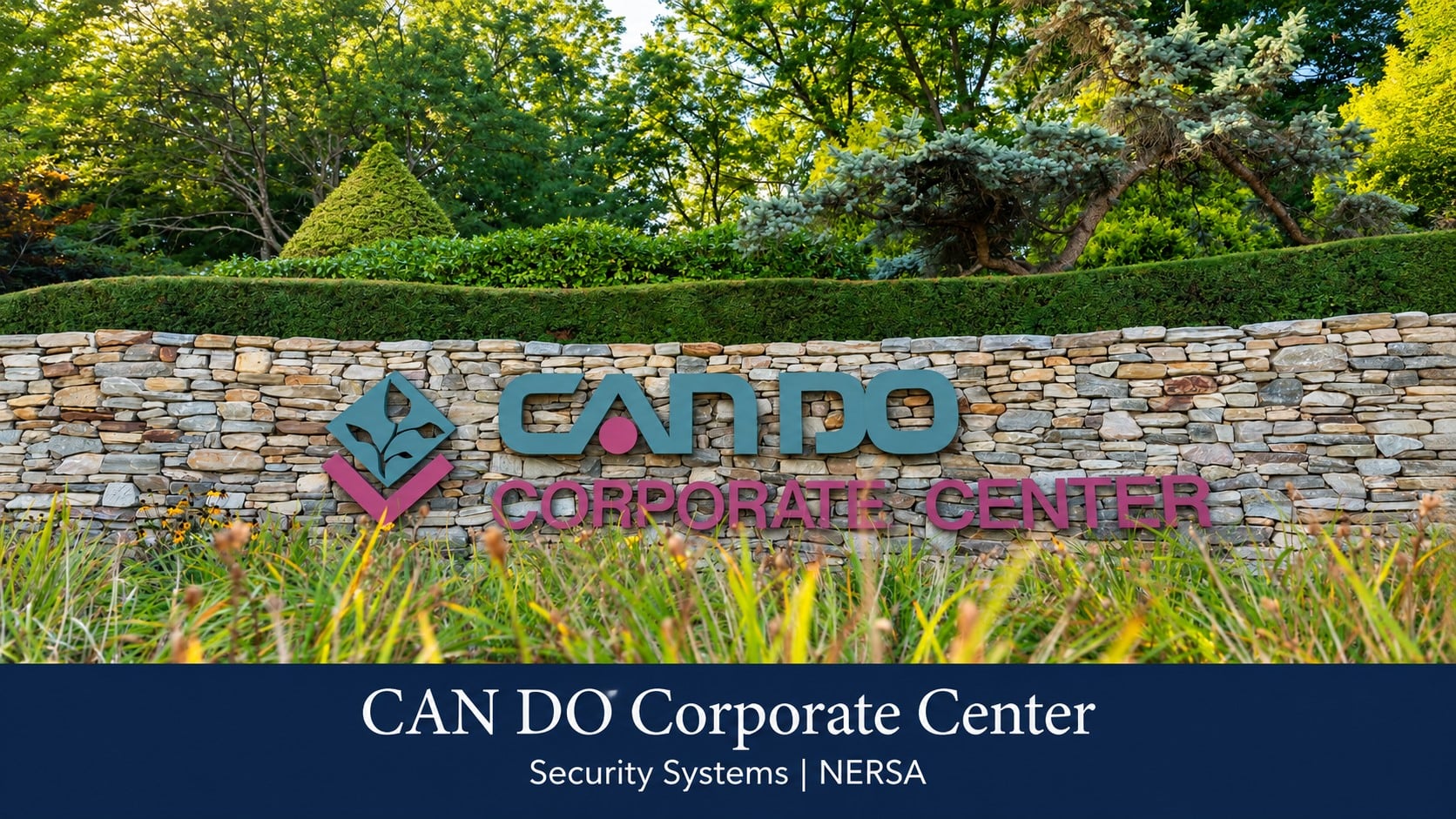
CAN DO Corporate Center security planning should fit the way a particular office, flex or light-manufacturing facility welcomes visitors while controlling access to its nonpublic areas.

Request a commercial security assessment
For cameras, controlled entry, alarms and supporting infrastructure across the area, see commercial and industrial security systems in Hazleton.
Use the correct setting for the property
CAN DO places the Corporate Center in the Drums Valley at Interstate 80 and Route 309, Exit 262.
Its official Corporate Center description identifies flex space and light manufacturing, alongside a varied mix of businesses and institutions.
It should not be treated as though every property were a large freight warehouse.
The right starting point is the individual building’s use, occupants and operating hours. An office visitor, service technician and delivery driver may need different entrances or permissions. Confirm the address and responsible property contacts before applying a general industrial security arrangement.
Separate welcoming areas from controlled spaces
Identify reception, meeting rooms and other spaces intended for visitors, then distinguish work areas, stores, network rooms and records spaces. A visitor admitted to reception should not automatically have an unrestricted route through the rest of the building.
Walk the normal visitor journey with the people who receive guests. Check where a caller waits, how the employee sponsor is contacted and who provides directions after admission. Physical access controls should support that process without creating confusing detours or improvised restrictions.
Match intercom routing to the occupant
For a building with several departments or occupants, clear directory names matter. Visitors may recognize the business name but not an internal abbreviation. Keep signs, appointment instructions and the entry station consistent so calls reach the correct team.
Decide who answers when reception is away and what that person may approve.
The Hazleton visitor-entry page explains call routing and release decisions in more detail.
At the Corporate Center facility, apply those decisions to the actual staffing arrangement rather than assuming a common receptionist serves everyone.
Control staff and contractor permissions
Define which employees need access to each nonpublic area and during which hours. Cleaning, maintenance and other contractors may need narrower permissions with a responsible sponsor and defined dates. A temporary visit should not quietly become permanent unrestricted access.
Review permissions when staff move, leases change or a room takes on a different use. Keep administration separate from ordinary answering or viewing. Qualified professionals should evaluate door hardware and required exit arrangements before any physical changes are made.
Account for flex and light-manufacturing activity
A facility combining offices with storage or production may need different controls on each side. Identify the transition where a visitor or office employee could enter an area with a different operating responsibility. Determine which materials or support rooms require more limited access.
Camera views should answer defined questions about those transitions. A broad view may explain movement without proving quantities or work authorization. Where production conditions affect equipment suitability, include the responsible operational staff; security equipment does not replace process controls or safety procedures.
Review deliveries without defaulting to a truck-yard design
Parcel deliveries, service visits and occasional larger shipments can have different handling needs. Establish where each arrives and who accepts it. The facility’s actual delivery pattern should determine the arrangement, not an assumption based on the word “industrial.”
For an unattended period, decide whether a remote recipient can do more than speak to the caller. Releasing an entrance does not ensure that a package is received or a technician is escorted. Make the limits clear and provide a reasonable alternative when staff assistance is required.
Make exterior coverage purposeful
Review entrances, parking approaches and any outdoor equipment areas within the customer’s authorized property. Determine whether the important question is arrival, movement toward a door or an event at a particular location. Avoid collecting broad views without a clear operational reason.
Check lighting, glare and obstructions at the times the facility is used. A general parking overview may not provide readable vehicle identification. Discuss the detail required and the limitations of the proposed view rather than assuming one camera serves every purpose.
Keep common-area responsibilities clear
Where spaces or approaches are shared, identify who owns equipment, approves changes and may review recordings. One occupant’s business need does not automatically authorize administration of another’s space or access records. Confirm the arrangement with responsible property personnel.
Institutional uses may introduce requirements beyond an ordinary commercial office assessment. Those requirements need the relevant organization’s policies and appropriate specialist input. The presence of different uses within the development is a reason to assess each property carefully, not to offer one uniform design.
Coordinate technology with the customer’s IT team
Confirm power, network connections, equipment locations and remote-access responsibilities at the building. Public descriptions of communications infrastructure do not establish the configuration or availability inside a particular facility. Agree who supports the security equipment and who supports the customer network.
Use authorized administrator arrangements and documented user roles. If a service interruption affects calls, viewing or records, staff need to know how to report it and what temporary procedure applies. Avoid relying on informal account sharing to keep a business entrance operating.
Test everyday use before handover
Run an expected guest visit, an unanswered call, an expired contractor permission and a recording search for a known event. Ask the actual reception, facilities and administrative staff to perform their own tasks. Check that the arrangement is understandable without the installer interpreting every screen.
Bring a floor plan, occupant responsibilities, visitor instructions and normal delivery schedule to NERSA. Request clear documentation of permissions, support contacts and retention decisions. Corporate Center location information does not imply an affiliation with CAN DO or any occupant; project requirements and service availability are evaluated for the individual facility.
Discuss your facility
Request a commercial security assessment with the property address, existing equipment and the decisions your team needs help making.
For other locations, explore the Northeastern Pennsylvania industrial park and business center directory.