
Easton video recording design helps businesses retain useful footage and find, review, and export an incident when they need it.

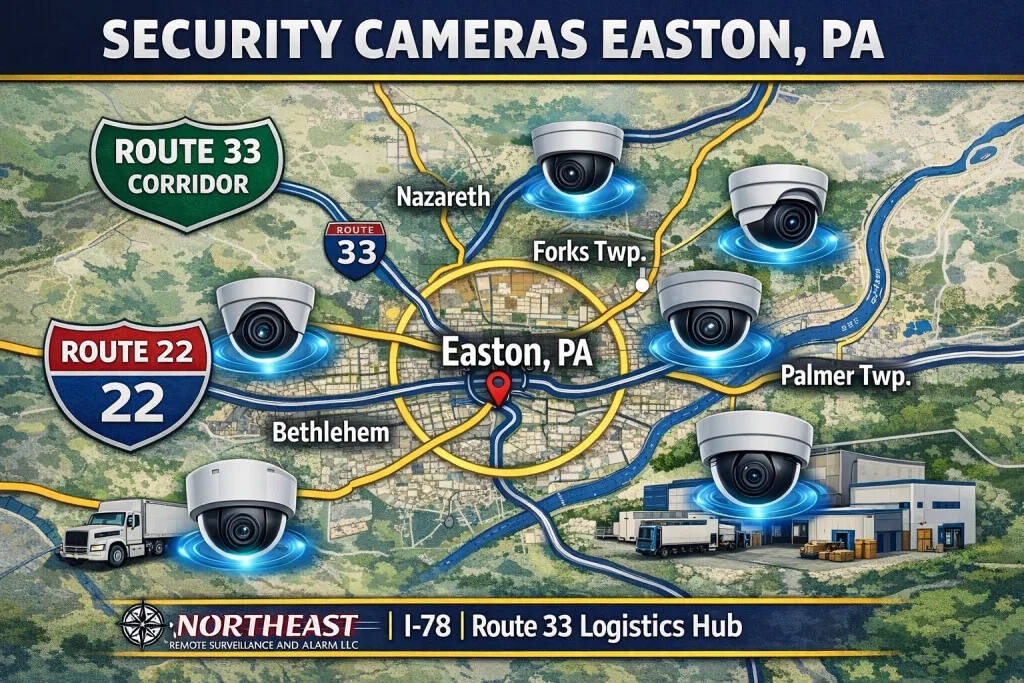
For related services and the full Easton video program, see the Easton commercial video surveillance guide.
This page concentrates on recording design, capacity, retention and video export.
Start With the Recording You Need
First, identify the events your staff must review and how long it usually takes to discover them. A delivery issue may surface days after a truck leaves. An entrance incident may need review that same evening. These routines help define retention and playback needs before choosing recorder capacity.
List the cameras that must record each event. Then decide whether continuous recording, event recording, or a combination fits each view. Where event recording is used, test that the saved clip includes enough activity before and after the trigger.
Size Storage for Actual Camera Settings
Camera count alone does not determine storage needs. Image settings, frame rates, scene activity, recording schedules, and retention all affect capacity. Review these inputs together and allow for the cameras the business expects to add.
Easton video recording design should include a way to detect recording failures. Check disk status, missing camera streams, available capacity, and notification recipients. Assign someone to review failures so a silent recording gap does not remain unnoticed.
Make Playback and Export Straightforward
Name cameras by their real locations and group related views. Confirm timestamps across the system, then test an incident that moves between cameras. Staff should be able to follow the sequence without guessing which view comes next.
For example, review a delivery from arrival through unloading and departure. Export the relevant interval and open the exported file on the intended review device. This confirms that the footage can be used outside the recorder interface.
Set Access and Verify the Finished Plan
Define who can view live images, search recordings, export clips, and administer settings. Give each authorized user the access their role requires. Review accounts when staff responsibilities change and test remote playback under normal connection conditions.
Before handover, verify the oldest available recording, sample footage in day and night conditions, and document any limitations. Retention should be checked again after camera settings or recording schedules change.
For mounting and cabling, see Easton camera installation.
For aging equipment, review camera system upgrades.
Translate Business Requirements Into a Recording Plan
Before choosing storage capacity, identify the events that a business needs to recover and the typical delay before someone reports them. A loading-dock dispute may not be discovered until inventory is reconciled days later; an entrance incident might be reviewed immediately. List each camera’s purpose and whether continuous recording, event-triggered recording or both are suitable. Event recording should include useful activity before and after the trigger rather than only the moment the analytic rule fires.
Storage estimates should include resolution, frame rate, compression, scene activity, recording hours, retention period and anticipated expansion. Use measured or reasonably estimated bit rates rather than a promise that every camera uses the same amount of disk space. Recorders also need available throughput, disk-health checks and suitable backup or recovery planning. A high-resolution view is only useful if the network, recorder and export workflow support it in normal operation.
Specify Access, Evidence Export and Handover
Plan how authorized staff search by camera, date, time and event, and which personnel may export a clip. Assign understandable camera names, synchronize time and demonstrate a genuine playback and export workflow. Check that the recording contains the expected field of view at the intended detail and that users can understand time zones, export formats and any required proprietary viewer software.
Establish what continues locally when internet service fails, which remote features are unavailable during an outage and how the system recovers after power restoration. Cloud, on-premises and hybrid recording have different licensing, bandwidth, account ownership and data-retention implications; choose based on documented operating needs. Retention and privacy settings require approval by the property owner and should be reviewed when site operations or legal obligations change. Design and recording are distinct from mounting and cabling, which belong to the camera-installation scope.
Recording-design questions
Is storage calculated from camera count alone?
No. Recording schedule, image resolution, motion, compression, frame rate and retention all affect storage. Capacity should include operational headroom and any planned cameras.
What proves the recording system is ready?
Demonstrate continuous or event recording as specified, accurate time, the agreed retention settings, a realistic playback search, an authorized export and recovery after a planned interruption.
Request a Recording Design Assessment
NERSA can review your current footage, storage, and review routines to plan Easton video recording design around the incidents your business needs to resolve.
Request a security assessment.
Compliance, Codes & Project Standards
NERSA plans commercial and industrial security work with applicable code, documentation, inspection and authority-having-jurisdiction requirements in mind. Requirements vary by system, property and jurisdiction. These resources support project planning; they do not establish legal compliance, certification or AHJ approval.
Related guidance: Regulatory compliance & inspection readiness · Video surveillance compliance · NERSA project standards