
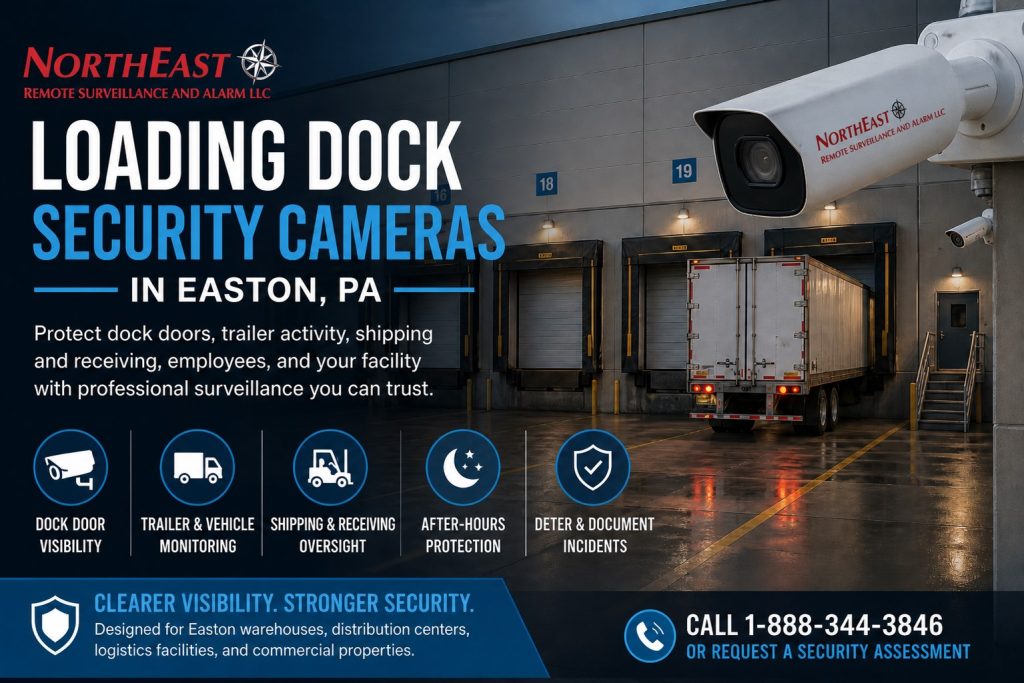
Loading dock security cameras in Easton, PA record trailer arrivals, dock-door activity, and freight movement immediately around the loading bay.

For related services and the full Easton video program, see the Easton commercial video surveillance guide.
This page concentrates on truck approaches, dock-door activity and freight handoffs.
Match Each View to a Dock Event
Begin with the question staff need to answer after a delivery or incident. The view may need to show which trailer arrived, which dock door it used, who approached the opening, or how freight moved during loading. A camera aimed broadly at the rear wall may miss those details.
First, map the dock doors and trailer approach. Next, observe backing, loading, and departure during a normal delivery. Then, choose views that retain useful detail when a trailer is at the door. Check whether parked equipment or stacked materials block the scene.
Cover the Door and Trailer Approach
A door-focused camera can document activity at the opening and the nearby staging area. An overview can show backing, trailer position, and movement across the dock apron. These views should complement each other so staff can follow an event through the loading bay.
For example, a trailer can hide a person approaching from the side. Review those approaches during the site walk and test them with a vehicle in place. Keep camera mounts and cable routes clear of normal loading operations.
Test Lighting During Loading and After Dark
Open overhead doors, interior lighting, headlights, reflective trailer surfaces, and wet pavement can change the image. Test actual recorded samples under the conditions the dock experiences. A clear daytime picture does not establish nighttime detail.
Loading dock security cameras in Easton, PA also need serviceable mounts and protected connections. Record any view limits and plan routine checks after storage layouts or traffic patterns change.
Find the Correct Delivery Recording
Name each camera by dock door or approach and confirm timestamps across views. Set recording retention around the time needed to discover and review delivery issues. Authorized staff should be able to find an arrival, follow the activity, and export the relevant footage.
For larger trailer rows and internal vehicle routes, see Easton truck-yard security.
For broader equipment modernization, review Easton camera system upgrades.
Capture Trailer Arrivals and the Actual Dock Transfer
Loading-dock camera design should follow a shipment from the truck approach to the dock face and the freight handoff. Review how trailers back into the bay, which doors stay occupied, where employees scan or stage pallets, and where forklifts and pedestrians cross. A high overview can document truck movement, while a closer view at the door can show the transfer area. Neither view should be assumed to capture identifying detail at every distance.
Walk the dock while it is busy, not only when every door is empty.
Box trucks, trailers, raised dock doors, stacked freight, shrink wrap and loading equipment can block the scene.
A camera exposed to cold storage, dust, vibration or high-contrast lighting may require specific mounting and environmental considerations.
Coordinate physical work, network and power with the Easton commercial camera installation page, without turning this dock-specific guide into a generic installation page.
Verify the Clip Before the First Delivery Dispute
Useful footage should establish which dock a vehicle occupied, the relevant time window and the activity around that bay. Assign camera names that match the facility’s dock numbers. Synchronize recorder and access-system time, define how long evidence must remain available and test whether staff can retrieve a clip using a delivery date or approximate arrival time. A live picture alone does not demonstrate adequate recording or export capability.
Evaluate image quality when an open bay produces strong backlighting, during the evening shift and while a trailer fills most of the frame. Test the agreed door and yard views together; the first visible event may occur outside the bay. Explain to the customer who may access and share recordings, and how cameras will be rechecked when trailer parking, racking or delivery flow changes. Where broader theft deterrence or vehicle gates are involved, those functions need their own scope.
Dock-camera questions
Can one camera document an entire dock door and truck approach?
Sometimes for overview, but freight handling at the threshold and traffic across the apron may need separate focal distances. Agree what evidence matters and test the footage under operating conditions.
What is the most useful handover test?
Retrieve and export a real sample of a trailer arriving, backing, occupying the bay and departing, with accurate dock label and synchronized timestamp.
Request a Dock Camera Assessment
NERSA can review your loading bays, current footage, and delivery routines to recommend useful dock-camera views.
Request a security assessment.
Compliance, Codes & Project Standards
NERSA plans commercial and industrial security work with applicable code, documentation, inspection and authority-having-jurisdiction requirements in mind. Requirements vary by system, property and jurisdiction. These resources support project planning; they do not establish legal compliance, certification or AHJ approval.
Related guidance: Regulatory compliance & inspection readiness · Video surveillance compliance · NERSA project standards