
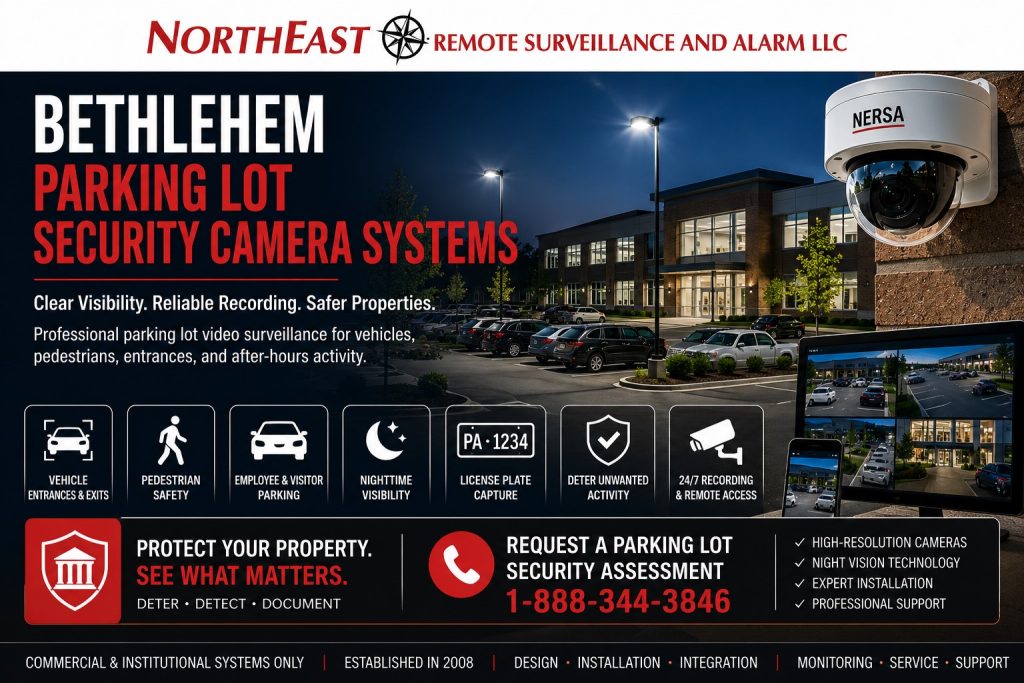
Bethlehem parking lot security camera systems document vehicle and pedestrian activity with views designed around entrances, lighting, and useful image detail.

Return to the Bethlehem video surveillance guide for related camera services.
Overview Cameras and Identification Views
One camera cannot usually provide both a wide view of an entire parking lot and detailed identification across long distances.
A properly designed Bethlehem parking-lot camera system may use several types of views.
Parking-Lot Overview Cameras
Use overview views to follow vehicle and pedestrian movement through the lot.
For a closer view, choose a specific entrance or approach and define the detail you need.
If you need searchable plate records, use the separate license plate recognition guide.
Daytime and Nighttime Camera Performance
A parking-lot camera that looks clear during daylight may perform poorly after dark.
Check sample views after dark, including headlights and reflections from wet pavement. Also check whether landscaping or parked vehicles block important areas. Adjust placement or settings before accepting the final view.
Parking-Lot Lighting and Camera Coordination
Plan security cameras and exterior lighting together.
Additional light does not automatically produce better video. Poorly positioned fixtures can create glare, bright hotspots, reflections, and dark shadows that make people or vehicles more difficult to see.
Review fixture position and light direction with the camera view. For example, a bright light facing the lens can hide detail elsewhere. Coordinate any lighting changes with the property team.
Camera Mounting Locations
Choose a mounting point that supports a useful, stable view.
Compare building mounts and suitable pole locations against the view you need. Check stability, power, network access, and service access before choosing a position. Then confirm that normal vehicle movement will not block the image.
Remote Viewing and User Permissions
Commercial parking-lot camera systems may allow authorized personnel to view live or recorded video from approved workstations, web interfaces, or mobile devices.
Give each authorized user an individual account and only the viewing permissions they need. Use strong passwords and multi-factor authentication where supported. Also review accounts regularly and remove access when responsibilities change.
Video Recording and Retention
The correct retention period depends on the facility’s operating risks, incident-discovery timeline, storage capacity, camera count, resolution, frame rate, recording method, and organizational policy.
Choose a retention period that allows time to discover and report an incident. Then confirm storage capacity against the cameras and recording settings. Test playback and clip export so staff know how to retrieve useful footage.
Related Planning Resources
Review Bethlehem commercial security systems to coordinate parking cameras with the rest of the property.
Request a Parking Camera Assessment
Request a security assessment to review parking-lot views, lighting, pedestrian routes, and recording needs.
There is no obligation to proceed with installation.
Prefer to discuss your property first?
Compliance, Codes & Project Standards
NERSA plans commercial and industrial security work with applicable code, documentation, inspection and authority-having-jurisdiction requirements in mind. Requirements vary by system, property and jurisdiction. These resources support project planning; they do not establish legal compliance, certification or AHJ approval.
Related guidance: Regulatory compliance & inspection readiness · Video surveillance compliance · NERSA project standards