
Hazleton logistics truck yard and loading dock security should help staff follow an arrival from check-in through staging, loading and departure.

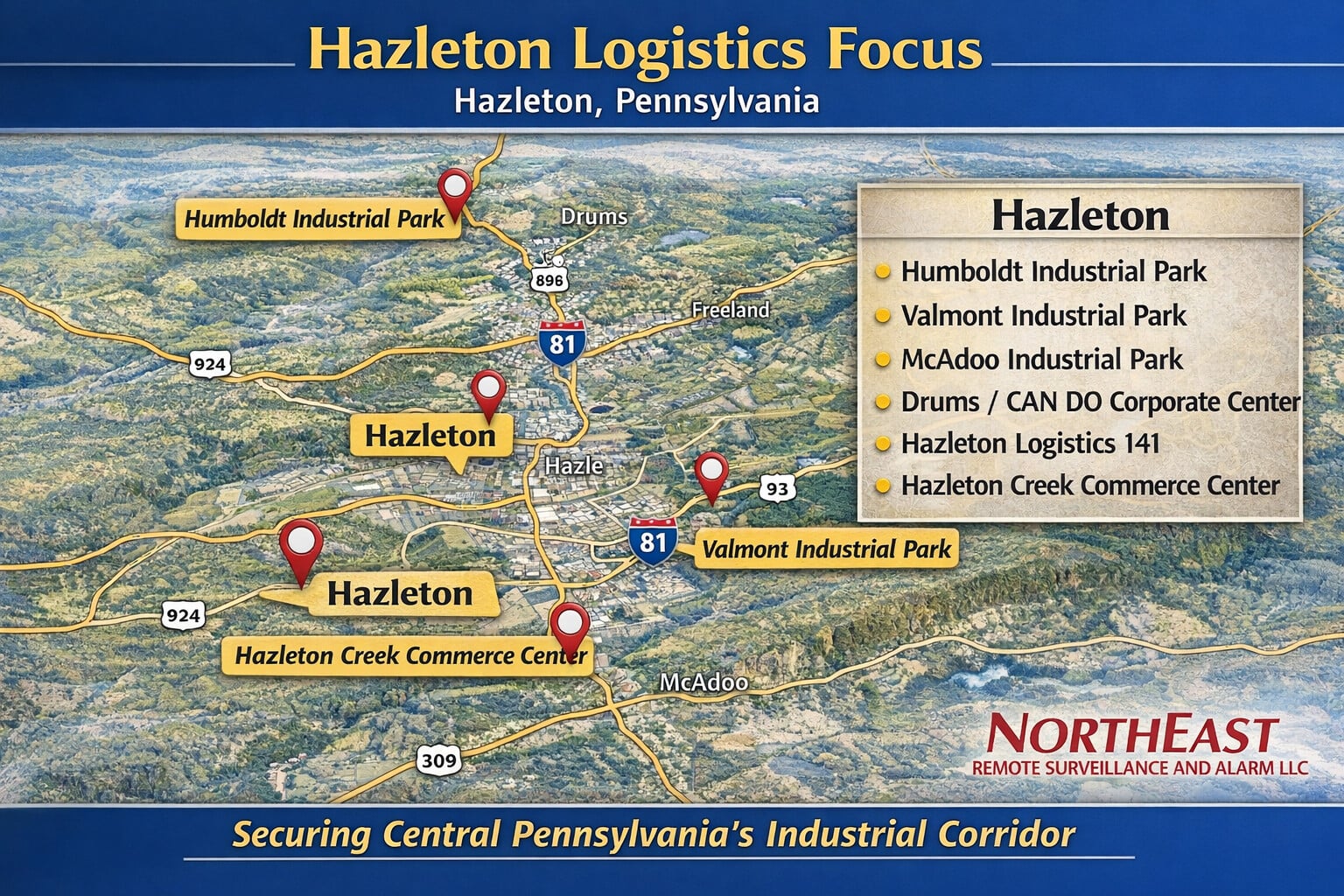
Connect yard operations with the building systems described in Hazleton commercial security systems.
Map the sequence from arrival to departure
A truck yard is easier to manage when everyone uses the same names for entrances, staging areas and loading positions. Start with the normal arrival sequence: where a driver stops, who confirms the visit, where the vehicle waits and how a dock is assigned. Then identify departures, rejected arrivals and vehicles remaining on the property after hours.
Look for gaps between those steps. A driver may be admitted correctly but sent to a waiting area that staff cannot see. A trailer may be moved without its new location being communicated. Security coverage should help explain those transitions, while the dispatch or yard records remain the source for the business instructions.
Give check-in a clear purpose
Decide what receiving staff must establish before directing a vehicle farther into the property. The carrier, expected contact and intended collection or delivery may all matter. A camera overview can show the vehicle at the check-in position, but it does not verify an appointment or authorize release of goods.
Where an intercom is used, connect it to staff who can access the relevant operational information. Provide an alternative for calls that are not answered. Directions should tell drivers where to wait without inviting them to walk through active loading areas in search of someone who can help.
Distinguish the entrance from the rest of the yard
Gate coverage answers questions about entry and exit. It may not show a trailer being relocated, a vehicle stopping between rows or a driver approaching a side door. Plan separate views around the areas where those events matter. Avoid assuming that a clear entrance image explains everything that happened afterward.
Review the yard with typical trailers and vehicles in position. Large parked vehicles can create changing obstructions, particularly when the arrangement differs by shift. Consider how lighting, glare and weather affect the intended views, and specify the level of detail needed for each location rather than asking every camera to serve every purpose.
Make trailer staging easier to review
Use recognizable area names and a consistent way of recording trailer locations. Where managers need to establish when a trailer moved, the relevant view should show the staging area and enough context to understand movement. The operational record should identify which trailer was intended; video should not be expected to supply unreadable identification from a distant overview.
For an overnight trailer, decide who is responsible for its status and who should be contacted if an issue is reported. A parked trailer can be expected activity rather than an exception. Keeping that distinction clear improves both incident review and any separately arranged after-hours observation.
Review the handoff at the dock
At a loading position, ask whether staff need to see arrival, the movement of goods, the door area or departure. These questions may involve different views inside and outside the building. Coordinate them with receiving and shipping so the arrangement supports actual review tasks without interfering with work.
A shipment dispute may require examining staging before loading as well as activity at the dock. Confirm that the relevant camera names, door numbers and operational records use compatible references. Explain the limitations: a recording may show handling activity without establishing the contents of a sealed package or the condition of goods outside the camera’s view.
Handle departures and unusual movements
Define who authorizes a collection and how that decision is recorded. Vehicle departure, release of goods and closure of an order are separate events. Security equipment can help document movement, but it should not replace the staff checks that determine whether the correct goods are leaving with the correct carrier.
Consider a vehicle leaving without loading, a carrier returning to a different dock or a trailer moved by another authorized operator. These situations should have an understandable operational explanation. Make sure staff know how to report a question and preserve the relevant recordings without accusing a driver based only on an incomplete view.
Include pedestrian routes and building access
Drivers, employees and visitors need clear destinations. Review where people walk between parked vehicles, check-in and any approved driver facilities. Appropriate signs and site procedures remain important; cameras are not a substitute for traffic management or workplace safety measures.
Separate permission to enter the yard from permission to enter warehouse or office areas. A driver admitted for a delivery may still need staff assistance at a building entrance. Align intercom routing, door permissions and reception responsibilities so a legitimate arrival does not create unnecessary unrestricted access.
Prepare usable evidence and response arrangements
Synchronize time references and decide how long recordings should remain available for transport-related questions. Name authorized reviewers and test an export using a known arrival. The test should follow the vehicle through the available views and make any coverage gaps clear before a real incident occurs.
If active observation is required during closed hours, confirm the service, events of interest and escalation contacts separately. State which activities are expected and who can verify them. Recording by itself does not guarantee an immediate response or prevent a loss.
Keep the yard plan current
Review coverage when staging rows, traffic direction, dock use or operating hours change. Assign someone to report damaged equipment, blocked views and lighting problems. A useful system requires attention to the physical yard as well as its recording equipment.
Bring a yard drawing, arrival instructions, typical staging arrangement and examples of difficult dispatch questions to NERSA. Acceptance should include realistic vehicle positions, clear staff responsibilities and a demonstrated review from check-in to departure.
Discuss your property
To discuss the conditions at your property, Request a security assessment.
Camera placement and recording options are explained in Hazleton video surveillance.
For employee credentials and controlled doors, see Hazleton access control.
Cable routes, network connections and equipment support are covered in Hazleton low-voltage infrastructure.
To discuss the conditions at your property, Request a security assessment.