
Explore the cabling, network connections, equipment power, and documentation that support reliable security systems in Hazleton commercial properties.

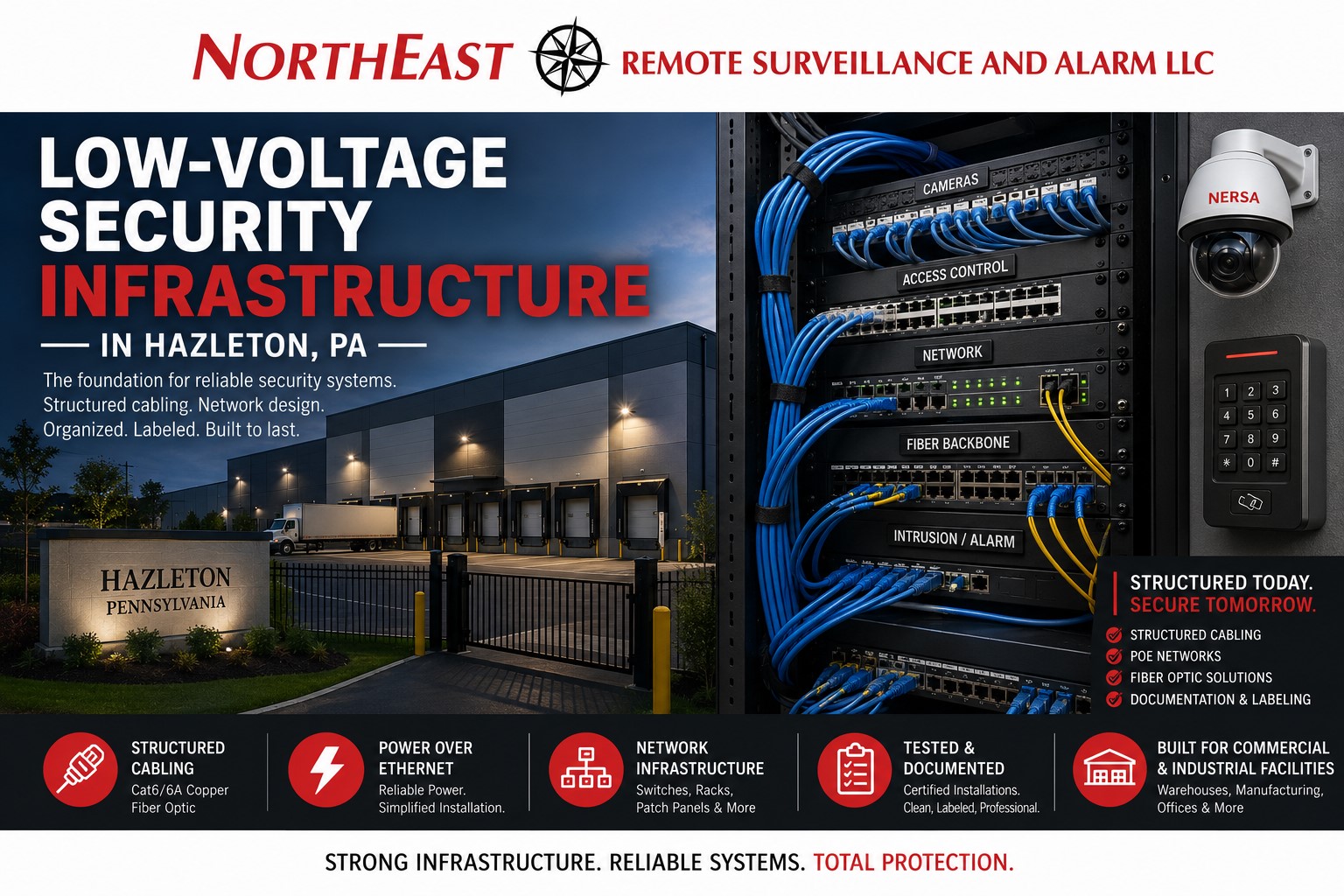
Trace a security connection from end to end
For a Hazleton property, begin with the location of each proposed camera, door controller, or intercom and trace its route back to network and power equipment. Include detached buildings and exterior devices. The route, available pathways, equipment environment, and ownership of the supporting network determine which infrastructure guides are relevant.
Fiber, copper, wireless links, switching, and backup power solve different parts of that connection. Review their fit for the actual project rather than assuming one approach covers every endpoint. Where an existing system is unreliable, establish whether the fault lies in the device, connection, power, or configuration before choosing replacement work.
Plan for maintenance as well as installation
Record the equipment locations, existing loads, proposed additions, and network-management responsibilities. Leave a clear explanation of the installed layout and the capacity assumptions used in the scope. These details help a future expansion stay within the system’s assessed limits.
Acceptance should include appropriate connection testing and confirmation that the attached security devices work as intended. Check agreed continuity arrangements and record any dependencies on building power or third-party network equipment. Keep labels and diagrams aligned with the names operators see in the security platform.
Infrastructure Planning Guides
Compare the fiber, switching, wireless, network, backup-power, and documentation work needed along each connection path.
- Fiber Infrastructure for Commercial Security Systems — Plan fiber connections between equipment locations.
- PoE Switching for Video Surveillance Systems — Review PoE power and network support.
- Wireless Bridges for Remote Security Cameras — Review wireless links for security connectivity.
- Network Segmentation for Commercial Security Systems — Plan network segmentation for security equipment.
- UPS Backup Power for Commercial Security Systems — Review UPS support for critical equipment.
- Security System Documentation, Testing, and Inspection Readiness — Organize installation records and testing documentation.
Related Hazleton Services
Coordinate the infrastructure scope with the cameras, controlled doors, alarms, and monitoring it will support.
- Commercial Video Surveillance Systems in Hazleton, PA — Explore video surveillance and recording systems.
- Commercial Access Control Systems in Hazleton, PA — Explore controlled doors and access management.
- Commercial & Industrial Intrusion Alarm Systems in Hazleton, PA — Explore intrusion-alarm protection.
- Remote Video Monitoring in Hazleton, PA — Explore remote video monitoring.
- Commercial Fire Alarm Systems in Hazleton, PA — Explore fire alarm and life-safety services.
Regional and Service Guidance
Use the Hazleton overview and broader infrastructure and wiring resources to coordinate the full project.
- Commercial and Industrial Security Systems in Hazleton, PA — Return to the Hazleton security guide.
- Commercial & Industrial Infrastructure and Cabling — Explore commercial infrastructure and cabling services.
- NFPA 70 NEC and Low-Voltage Security System Wiring — Review low-voltage wiring coordination.
Request a Hazleton Infrastructure Assessment
Request an assessment to review pathways, equipment locations, connectivity, and future expansion needs.
Compliance, Codes & Project Standards
NERSA plans commercial and industrial security work with applicable code, documentation, inspection and authority-having-jurisdiction requirements in mind. Requirements vary by system, property and jurisdiction. These resources support project planning; they do not establish legal compliance, certification or AHJ approval.
Related guidance: Regulatory compliance & inspection readiness · Low-voltage infrastructure compliance · NERSA project standards