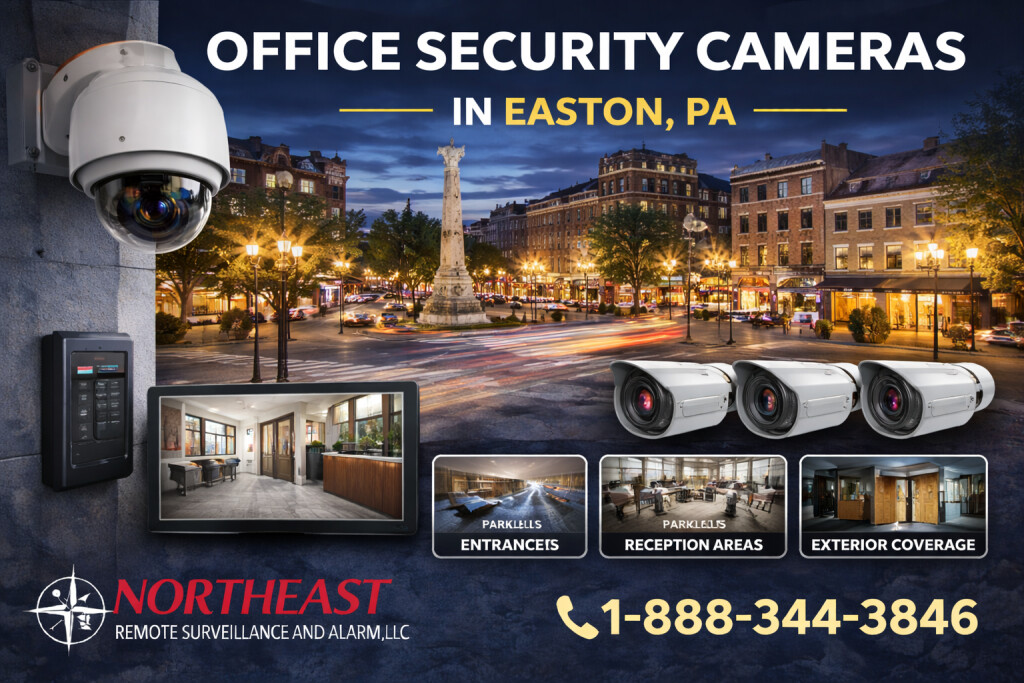
NERSA plans office security camera coverage in Easton, PA for entrances, lobbies, shared areas, parking, and after-hours activity.
For related services and the full Easton video program, see the Easton commercial video surveillance guide.
This page concentrates on office entrances, lobbies and shared areas.
Office camera planning starts with the business purpose
First, define the event each camera should help staff understand. Next, map entrances, reception, lobbies, shared halls, delivery points, parking, server areas, and approved restricted spaces. Then, check distance, light, glare, privacy, traffic, and objects that may block the scene. Finally, match the camera, lens, mount, network, and recording settings to the required view.
For example, an entrance may need a clear face view while a lobby needs a wider scene. Bright windows can hide detail when a camera faces the wrong direction. Each location may need a different angle or image setting. Camera count should follow coverage goals instead of a standard office package.
What the assessment covers
- Entrances, reception, lobbies, shared halls, delivery points, parking, and building edges
- Required overview, recognition, identification, direction, handoff, and after-hours views
- Light, glare, windows, reflections, privacy, blocked views, mounting, and service access
- Cable, network, PoE, bandwidth, power, recording, retention, alerts, and remote access
- User rights, evidence export, time settings, audit records, policy, training, and maintenance
Cameras should not record private spaces or more neighboring areas than the approved goal requires. The business should set clear rules for audio, employee monitoring, retention, access, and evidence sharing. Management and its legal, labor, and privacy advisers should approve those rules.
A practical plan
First, install and label each camera, path, switch port, and recorder channel. Next, collect recorded samples during normal and after-hours conditions. Then, verify playback, search, export, time, retention, alerts, network loss, and power recovery. Finally, train authorized users and record the accepted view for each camera.
For related options, review the Easton video surveillance services or return to the Easton security systems overview.
Design Around Visitors, Shared Spaces and Restricted Rooms
An Easton office may include a single reception area, shared tenant entrance, several floors, a parking lot, deliveries and a small number of sensitive rooms. Assign a purpose to each camera rather than covering every corridor indiscriminately. At a lobby entrance, the key need may be an identifiable arrival; at a shared waiting area, a wider contextual view may be appropriate. Review door swing, window glare, ceiling height and how furniture or temporary displays change the sightline.
Multi-tenant offices require clear agreement about which property manager, tenant or administrator owns the recorder and can access each camera.
Plan coverage at common entrances and approved shared areas without recording confidential conversations, private offices or spaces where people reasonably expect privacy.
Coordinate the installation with business hours, reception activity, network access and any required landlord approvals.
For mounting and cabling scope, see commercial security camera installation in Easton.
Test Playback and Set Practical Access Rules
A useful office camera system is easy for authorized staff to operate when a visitor, delivery or property incident needs review. Assign clear camera names, synchronize time and confirm recording schedules. Test a face at the intended entrance location, a person walking through the lobby and after-hours approach footage. A wide view may show activity but fail to provide facial detail because the subject is too distant.
Document user roles, remote access, retention, export procedures and the process for granting or revoking permissions when staff change. Confirm who receives an alert if the system supports one; recording and alerts should not be described as staffed monitoring unless that service is separately contracted. Ask the building team to review images when a tenant fit-out, furniture change or new signage alters the accepted view.
Office camera questions
Should an office camera point at every employee workstation?
Not by default. Select views that have a legitimate property-security or operating purpose, and review privacy, labor and company policies before adding employee-facing coverage.
Can several tenants share one recording platform?
Technically possible when supported, but access permissions and account ownership must be carefully separated. Agree who can review each area, manage users and export evidence before commissioning.
Request an Easton assessment
NERSA can review your Easton office and recommend camera coverage for its entrances, shared areas, and after-hours activity.
Request a security assessment.
Compliance, Codes & Project Standards
NERSA plans commercial and industrial security work with applicable code, documentation, inspection and authority-having-jurisdiction requirements in mind. Requirements vary by system, property and jurisdiction. These resources support project planning; they do not establish legal compliance, certification or AHJ approval.
Related guidance: Regulatory compliance & inspection readiness · Video surveillance compliance · NERSA project standards