
Lehigh Valley security infrastructure provides the cabling, power, and network connections that cameras, controlled doors, intercoms, and other security equipment depend on.

Request an infrastructure assessment
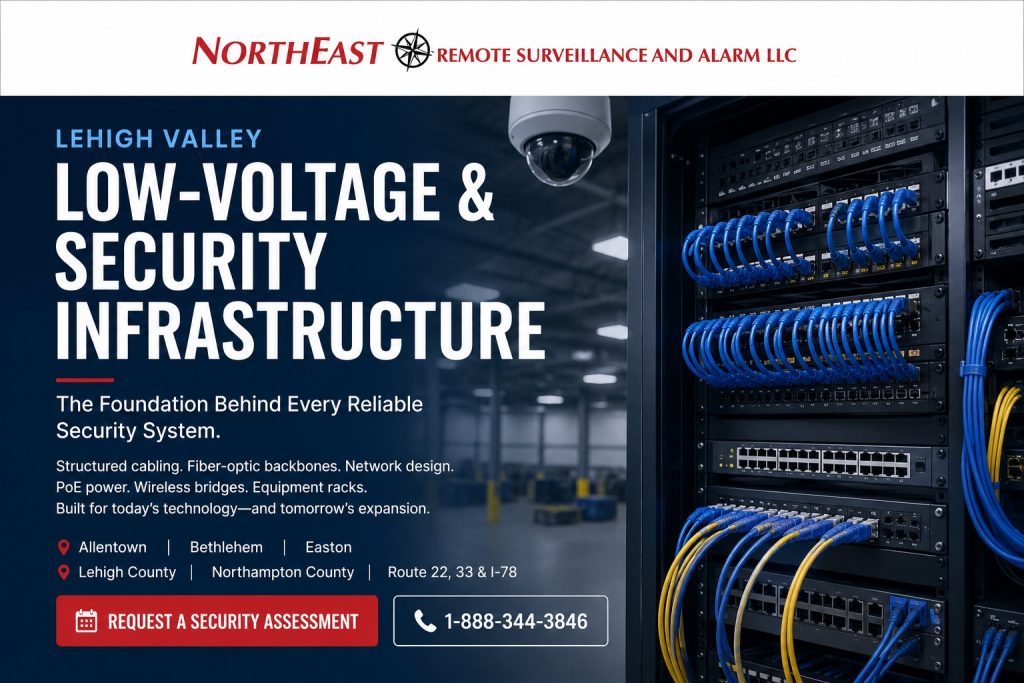
NERSA evaluates those supporting systems before adding devices or expanding an existing installation.
Assess Lehigh Valley Security Infrastructure Before Expansion
Start with a current equipment list and a drawing of the property. Identify where devices connect, where cabinets and power supplies sit, and which pathways serve each building. Then compare that information with the proposed camera views, controlled openings, and future additions.
An inherited cable or switch may remain useful, but its presence alone does not establish that it can support the new design. Check condition, labeling, available capacity, and the requirements of the proposed equipment. Record the results so later work does not repeat the same investigation.
Plan Cabling and Building Connections
Trace routes from equipment rooms to entrances, docks, yards, and detached structures. Consider access for installation and service, exposure to damage, and the practical limits of each connection. For example, a distant gate may need a different pathway and power arrangement from an interior office door.
For links between buildings, review existing fiber, pathways, and available network services before selecting an approach.
Wireless connections also need a site-specific review of mounting positions, obstructions, and operating conditions.
Compare these choices through commercial infrastructure and cabling planning.
Check Power and Network Capacity
Identify the devices each switch or power supply will serve. Account for the completed installation and any agreed expansion allowance. Also document what should happen during a power or network interruption and which equipment needs backup support.
Coordinate network connections with the customer’s IT team. Agree on device addressing, approved remote access, account ownership, and the boundaries between security equipment and other business systems. Test those connections as part of the installation rather than leaving them for the final handover.
Structured Cabling, Cat6 and Cat6A Planning
For a new installation or retrofit, define which connections serve cameras, access controllers, intercoms, wireless access points and other business equipment. Select the cable, termination components and pathway around the application, installation environment and planned capacity. Include installation access, support, protection, labeling and the agreed testing requirements in the scope.
For a camera-specific project, the Lehigh Valley commercial security camera installation guide connects these infrastructure decisions to device placement, recording, power, network testing and the operational handover.
In an occupied Allentown office, ceiling access and tenant schedules may determine the work sequence. In a Bethlehem manufacturing facility, coordinate routes and work windows with production and maintenance personnel. At a warehouse serving the I-78 or Route 33 corridors, identify high mounting locations, lift access, loading operations and the distance between devices and equipment rooms before pricing the work.
Fiber Links Between Buildings and Equipment Rooms
For a campus, industrial park or detached service building, review the route between endpoints before choosing the connection. Document existing pathways, fiber type, available strands, termination locations and the equipment at each end. Identify whether the scope includes new pathways, building entry work, termination, testing or only connection to an existing usable link.
Assign responsibility for shared infrastructure when several tenants or building owners use the same route. Record service access and ownership so a future repair does not depend on informal knowledge. Plan spare capacity where it supports a defined expansion, and keep test records with the completed drawings.
MDF, IDF, Racks and PoE Switching
The main equipment room and intermediate distribution locations need clear organization. Identify where cables terminate, where switches and power supplies belong, how equipment can be serviced, and who is authorized to enter. Review available rack space, patching, ventilation, power and backup support before adding devices.
For Power over Ethernet equipment, review both the requirement of each connected device and the capacity of the switch serving the group. Document uplinks and the traffic they must carry. A free port alone does not establish that the installation has sufficient power, network capacity or room for expansion.
Wireless Connections and Coordination With IT
Separate the need for user Wi-Fi coverage from a fixed connection serving security equipment. For each proposed wireless connection, review endpoints, obstructions, mounting access, power and operating conditions. Specify how performance will be checked at the locations where the connection is needed.
Agree with the customer’s IT team on network ownership, addressing, approved access and support responsibilities. Document the boundary between the security installation and the existing business network. Include the expected behavior during a connection failure and a clear contact for diagnosing faults.
Compare Infrastructure Proposals on a Complete Scope
Compare more than the number of cable drops. A useful proposal identifies connection locations, pathway assumptions, termination components, equipment-room work, testing, labeling, documentation and installation hours. Separate electrical work, new pathways, lift requirements and building repairs where they are outside the included scope.
Agree on acceptance requirements before installation. Identify the connections to be tested, the records to be supplied, the device functions to be demonstrated and the person accepting the work. For a phased upgrade, record what is complete, what remains and any temporary operating limitations.
Match Infrastructure to the Security System
Use these guides to align pathways, power, network capacity, and service responsibilities with the systems your property needs.
- Video surveillance: review camera connections, recording traffic, storage location, and viewing access.
- Access control: review controller locations, door wiring, power supplies, and communication paths.
- Warehouse systems: account for dock areas, high mounting positions, trailer obstruction, and distant yards.
- Industrial parks: define ownership and service access for shared connections between tenants and buildings.
Test, Label, and Hand Over the Installation
Use clear labels at both ends of each documented connection. Update cabinet records, equipment names, and property drawings as work proceeds. Before handover, test the installed devices through their normal operating paths and record any outstanding limitations.
Finally, provide authorized staff with current account details, equipment records, service contacts, and practical training.
For the complete project, review Lehigh Valley commercial security planning.
Request an infrastructure assessment with your drawings, equipment list, and planned changes.
Compliance, Codes & Project Standards
NERSA plans commercial and industrial security work with applicable code, documentation, inspection and authority-having-jurisdiction requirements in mind. Requirements vary by system, property and jurisdiction. These resources support project planning; they do not establish legal compliance, certification or AHJ approval.
Related guidance: Regulatory compliance & inspection readiness · Low-voltage infrastructure compliance · NEC & low-voltage wiring