
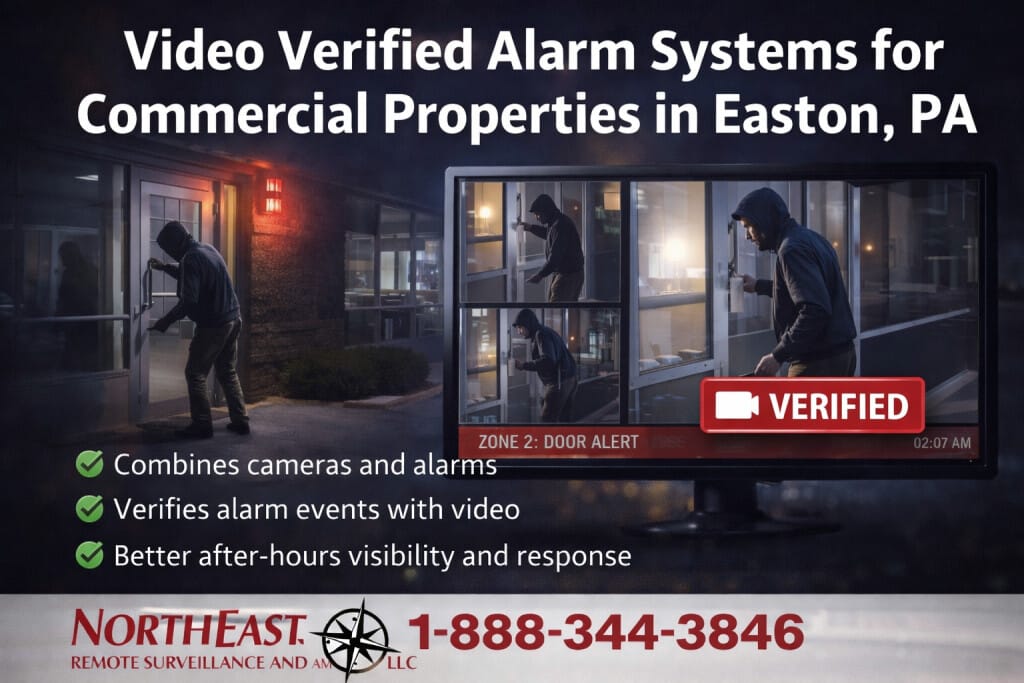
Easton video verified alarms pair an intrusion event with relevant camera footage so the assigned reviewer can assess what triggered the alarm.

For related services and the full Easton video program, see the Easton commercial video surveillance guide.
This page concentrates on matching alarm events with relevant camera footage and response procedures.
Match Each Alarm Zone to a Camera View
First, identify the protected doors or interior zones that need visual review. Match each zone to a camera that shows the actual point of activity. A wide overview may show movement elsewhere while missing the doorway that triggered the alarm.
Test the view with a person entering the protected area. Check lighting, obstructions, and the time needed to cross the scene. The reviewer needs useful context from the event, including what happened immediately before and after activation.
Deliver the Correct Clip With the Event
Confirm that the alarm signal identifies the right zone and opens the corresponding clip or view. Timestamps should agree across the alarm and video systems. Check that the reviewer can distinguish a current event from an earlier recording.
Existing cameras and alarms may support this workflow, but compatibility needs review. Evaluate the equipment, connection, and event delivery before promising an upgrade. Then test the complete sequence with the monitoring provider or staff responsible for reviewing it.
Write the Review and Escalation Procedure
Easton video verified alarms need a defined response procedure. Identify who receives each event, who reviews the video, which contacts to call, and what to do when no one answers. Record site access instructions and keep contact details current.
A missing image does not establish that an alarm is false. Decide how reviewers should handle unavailable video, poor visibility, or an interrupted connection. Confirm escalation requirements with the monitoring provider and applicable local procedures.
Test Real Conditions Before Handover
Run a planned test in coordination with the alarm provider. Verify the zone, image, timestamp, clip delivery, and contact sequence. Include the lighting conditions the property experiences after closing. Document limits and correct failed steps before relying on the workflow.
Repeat checks when camera positions, door use, or staffing change.
For detection planning, visit Easton intrusion-alarm services.
To compare who handles alerts, see remote monitoring versus self-monitoring.
Build Video Verification Around the Intrusion Event
A video-verified alarm system should help a designated reviewer understand a specific alarm, not simply open whichever camera is nearby. Map protected doors, interior zones and outdoor detection points to relevant views. For each zone, confirm that the camera shows the point of entry and enough context to assess movement immediately before and after activation. A long corridor camera may provide overview but not show the actual opening that generated the signal.
Define how the alarm platform identifies the zone and associates a clip or live view. Check timestamps between the intrusion panel and recorder, network connectivity, recording availability and who is authorized to see the evidence. Some integrations are event clips, while others provide a live video link. Verify the specific supported behavior in the chosen products and contract, and do not assume video verification is included with standard alarm monitoring.
Specify Reviewer Responsibilities and Test the Workflow
An agreed procedure should say who receives a video event, during which hours, how verification is performed, how false signals are handled and when escalation contacts or emergency services may be called. A staff-managed notification model is different from a contracted staffed monitoring service. Keep account instructions current after a tenant, manager or keyholder changes, and make sure any privacy or recording requirements are documented.
Commissioning should include controlled tests at each supported intrusion zone, representative lighting, correct event association, operator or employee notifications, loss of network connectivity and the ability to retrieve a record afterward. Confirm the system follows the agreed response path and documents a failed test before leaving the site. If camera positioning changes later, check the alarm-zone pairing again; the original clip mapping may no longer provide useful verification.
Video-verification questions
Does an alarm automatically send a live camera feed to an operator?
No. Event clips, live links, staff notifications and staffed response vary by product and monitoring agreement. List exactly what is included and demonstrate that workflow before acceptance.
Can existing alarm and camera systems be integrated?
Sometimes, depending on equipment compatibility, available interfaces, licensing and account access. A site assessment should test the actual alarm-to-video sequence before promising integration.
Request a Video Verification Assessment
NERSA can review protected zones, camera views, and event handling to plan Easton video verified alarms around your building and response needs.
Request a security assessment.
Compliance, Codes & Project Standards
NERSA plans commercial and industrial security work with applicable code, documentation, inspection and authority-having-jurisdiction requirements in mind. Requirements vary by system, property and jurisdiction. These resources support project planning; they do not establish legal compliance, certification or AHJ approval.
Related guidance: Regulatory compliance & inspection readiness · NERSA project standards · Documentation, testing & inspection readiness