
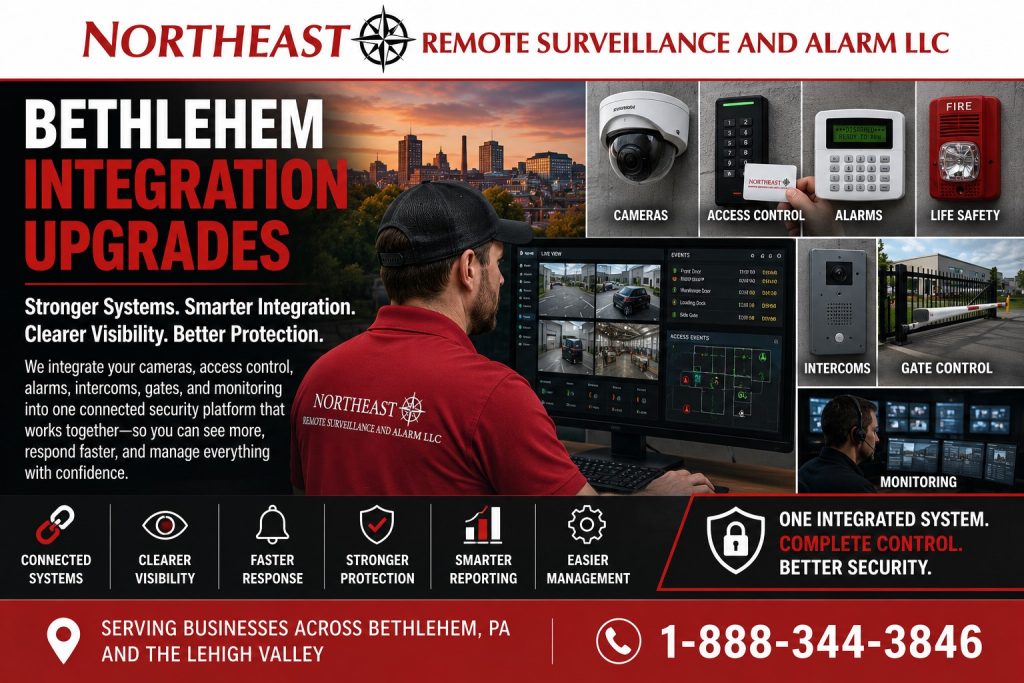
Bethlehem security integration upgrades connect compatible existing platforms around a defined event-review workflow, with clear responsibilities and acceptance checks.

Return to the Bethlehem security system upgrades and retrofits guide for the full set of improvement services.
Define the Connection the Business Needs
Start with the event staff need to understand and the information they need to review. For example, a door event may need to lead an authorized operator to the associated camera view. Define the expected result before selecting a connection between platforms.
Record the source event, destination system, relevant devices, and operator action. A specific workflow gives the project a clear scope and avoids treating every unrelated equipment improvement as integration work.
Check Compatibility for Bethlehem Security Integration Upgrades
Review the installed platforms, available interfaces, versions, licenses, and administrator access. Confirm that the installed equipment supports the proposed connection. Do not assume that two systems can exchange events simply because both use the same network.
Identify any prerequisite work and distinguish it from the integration itself. A camera replacement, controller repair, or alarm communication correction should have its own defined scope when needed.
Map Events to the Correct Devices
Document which event should lead to which view or record. Use consistent device names so staff can identify the affected door, area, or camera. Review user permissions and identify who may view information and manage the connection.
For an alarm-related workflow, clarify how the event reaches the person reviewing it and which site instructions apply. Record responsibility for maintaining the connection and updating the mapping when equipment or room names change.
Test the Complete Workflow
Agree on a test event for each connection, such as a forced-door alert opening the correct camera recording. Check device names, timestamps, user permissions, and the time between the event and its appearance. Record the expected result and the observed result so the owner can accept the work or identify a remaining fault.
Test how operators recognize a lost connection and obtain the underlying records while it is unavailable. Confirm whether events recorded during an outage appear after recovery. Document that behavior and the support contact; do not assume every platform stores or resends missed events.
Keep the Connection Maintainable
Provide the owner with the approved event mapping, relevant configuration records, and support responsibilities. After a platform changes, test the affected connections again to confirm that they still work.
Use phased upgrade planning if you need to introduce connections in separate stages.
Related Equipment Improvements
If the event appears but the image is unusable, review camera coverage and recording quality.
If the door event itself is missing, assess the reader and controller; for an intrusion signal, review alarm equipment and communications.
Use retrofit planning when physical changes are needed to retain usable equipment. A system takeover addresses a transfer of support. The commercial retrofit guide covers broader project decisions; the Bethlehem service directory covers other installation needs.
Request an Integration Assessment
Request a security assessment to review your existing platforms and the event workflow you need.
There is no obligation to proceed with installation.
Prefer to discuss your property first?
Compliance, Codes & Project Standards
NERSA plans commercial and industrial security work with applicable code, documentation, inspection and authority-having-jurisdiction requirements in mind. Requirements vary by system, property and jurisdiction. These resources support project planning; they do not establish legal compliance, certification or AHJ approval.
Related guidance: Regulatory compliance & inspection readiness · NERSA project standards · Documentation, testing & inspection readiness