
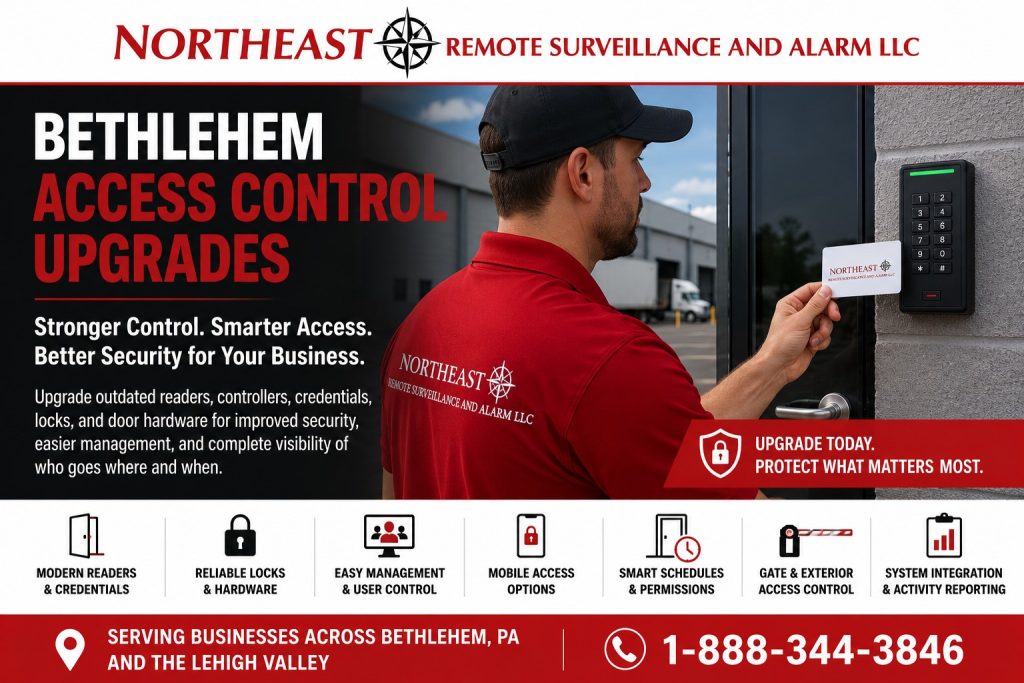
Bethlehem access control upgrades improve existing readers, credentials, door hardware, schedules, and user permissions while retaining equipment that remains suitable.

Return to the Bethlehem security system upgrades and retrofits guide for related improvement services.
Define the Access Control Upgrade
Start with the problem in your existing system. A reader may fail, a controller may lack support, or managers may struggle to update permissions. Choose the specific improvement the project must deliver before selecting equipment.
An upgrade does not always require replacing every controlled door. NERSA reviews the current installation to identify suitable equipment to keep and components that need attention.
Check Existing Equipment and Compatibility
First, review readers, controllers, software, and door hardware together. Confirm that the proposed changes work with the equipment you plan to retain. Also check power, wiring, and network connections that support the affected doors.
For example, a new credential may require a compatible reader or controller. Establish those dependencies before ordering equipment so the upgrade scope is clear.
Choose the Changes That Solve the Problem
An access control upgrade may address readers, credentials, controllers, or software. Include a change only when it supports the agreed result.
For broader installation options, see commercial access control systems.
Check the physical door as well. A working reader cannot correct a damaged lock or poorly closing door. Coordinate any necessary hardware work with the access control change.
Prepare Permissions and the Changeover
Review the users and schedules affected by the upgrade. Remove outdated access and confirm who will manage the updated system. Then agree on a work window and tell staff which doors may be unavailable.
Use phased upgrade planning to organize work that needs separate installation and acceptance stages.
Test the Upgraded Access Control System
At handoff, test the agreed doors, credentials, and schedules. Confirm that authorized managers can update users and review the records they need. Also check the affected door hardware and document any remaining limitations.
Keep an equipment list, configuration changes, and support contacts with the project records. This gives your team a clear account of what changed and how to obtain help.
Document What Stays and What Changes
Create a door schedule with consistent opening names, readers, controller connections, locks, power supplies, and operating schedules. Mark components as retain, replace, or inspect, and record the basis for compatibility. Collect software versions and administrative ownership details, keeping passwords out of general project notes.
Set Priorities for Owners and IT
Assign IT responsibility for network connections, administrative roles, updates, and hosted-service dependencies. Have facilities confirm door condition and installation access, and ask the user administrator to review the proposed workflow. Define how each required improvement will be demonstrated at handover.
Plan a Pilot and a Controlled Changeover
For larger work, test a representative opening and its credential schedules before repeating the configuration. Agree on the work window, staff communications, temporary entry procedure, and recovery plan if acceptance checks fail. Resolve unexpected behavior before expanding the rollout.
Review Access Records and Training
Review staff, contractors, access groups, and exceptions before migration. Have the authorized administrator demonstrate adding a user, changing a schedule, revoking access, and locating an event. Confirm the revocation at affected doors and identify an alternate administrator. An event records credential use; it does not by itself identify the person carrying it.
Confirm Ongoing Support and Project Records
Record recurring charges, retained-equipment limitations, software-update responsibilities, and the contacts for account and physical-door problems. Store the final door schedule, acceptance results, and follow-up list in an owner-controlled location. Review reported problems after normal shifts and weekend schedules resume.
Request an Access Control Upgrade Assessment
Request a security assessment to review the existing access control system and the changes your facility needs.
There is no obligation to proceed with installation.
Prefer to discuss your property first?
Compliance, Codes & Project Standards
NERSA plans commercial and industrial security work with applicable code, documentation, inspection and authority-having-jurisdiction requirements in mind. Requirements vary by system, property and jurisdiction. These resources support project planning; they do not establish legal compliance, certification or AHJ approval.
Related guidance: Regulatory compliance & inspection readiness · Access control & door hardware standards · NFPA 101 & egress planning · ADA access-control planning