
Tenant access and visitor entry should make a managed Anthracite building easier to operate.

Review tenant access and visitor entry
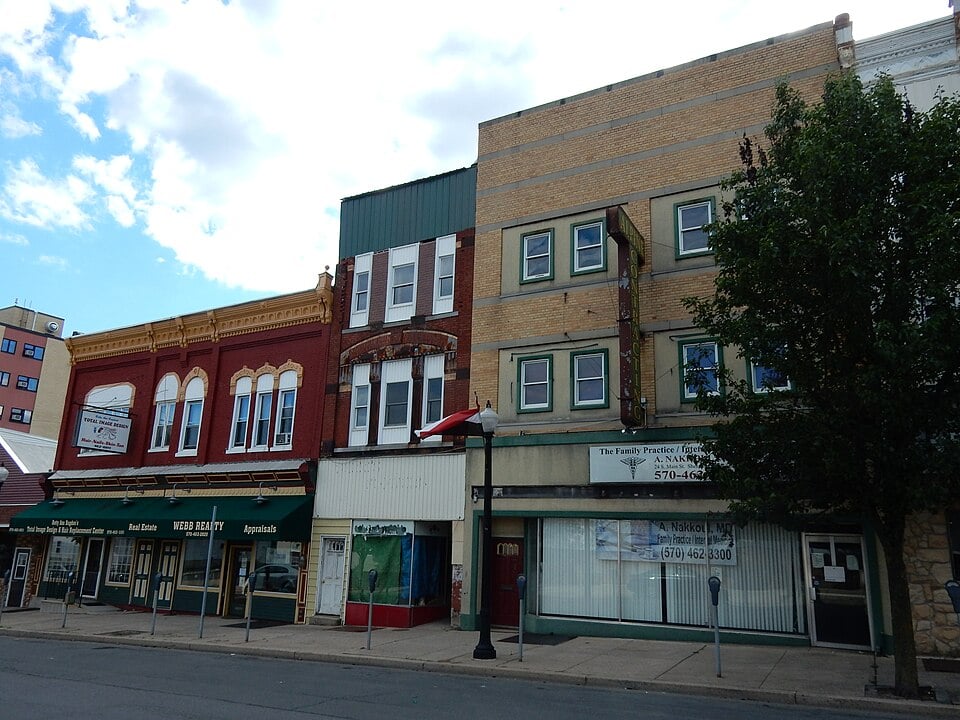

This guide helps property managers plan credentials, intercom calls, deliveries and door upgrades around the people who use the entrance every day.
Back to Anthracite Region Property Management Security
Give each entrance a clear role
Start with a door list. Record the public entrance, resident or tenant entrance, service door and any shared spaces beyond them. For each, identify regular users, visitors, opening hours and the person responsible for administration.
This supports a small managed building as well as a larger commercial or apartment property in Pottsville, Schuylkill Haven, Tamaqua, Frackville, Shenandoah, Mahanoy City or Ashland. A single entrance with a clear procedure may need a different solution from a portfolio with staff managing several buildings.
Check the door before selecting the reader
Inspect closing and latching, existing locks, frames, hinges, power and cable routes. Identify which related building professionals need to be involved. Electronic access depends on the whole opening working as intended; changing a reader alone does not resolve worn or unsuitable hardware.
Coordinate the design and any applicable building requirements with the responsible professionals.
The access control installation guide explains the wider service, while a site assessment determines the appropriate opening-specific work.
Define how a visitor reaches the right person
Map the call from arrival to an authorized answer. Determine whether occupants, a staffed desk or management receive it and what happens when nobody answers. Establish how deliveries, maintenance visits and other expected arrivals are handled without encouraging shared entry codes or routinely propped doors.
Compare options against actual administration, accessibility and communication needs. A smartphone-based feature needs a practical alternative where required by the property’s operating plan. Confirm compatibility with the chosen entry system rather than assuming every existing device can be connected.
Make turnover a routine task
Define who approves a new user, what spaces that user can enter and when permission begins or ends. Record the process for a lost credential, a departing tenant and a contractor whose work is complete. Limit administration to authorized personnel and use individual accounts where supported.
For portfolios, use consistent names and documented approval steps.
The same procedure can serve several buildings without giving every administrator access to every property.
Review multi-site administration when responsibilities extend beyond one location.
Use entry cameras for context
A camera at a shared entrance may help explain an arrival or door event, but its position, lighting and recording settings need review. Decide who may view or export footage. Document whether camera and access events are actually integrated or simply available in separate systems.
Keep coverage focused on agreed shared areas and respect private spaces.
Return to property management security for common-area video, portfolio responsibilities and occupied-building planning.
Test the entire visitor and tenant journey
- An authorized tenant can enter using the agreed credential.
- A removed or expired credential behaves as specified.
- A visitor call reaches the intended recipient and follows the agreed unanswered-call procedure.
- The door closes and latches correctly after normal use.
- Property staff can demonstrate an approved user change and identify the support contact.
Agree on work windows and temporary entry arrangements before replacing active equipment. Record known limits and the response to communication or power failures. The finished result should leave managers with ownership, documentation and a procedure they can maintain.
Review tenant access and visitor entry
Tell us which entrances need work, how visitors currently reach occupants and who manages tenant changes. Include door problems and any existing access or intercom equipment.
Review tenant access and visitor entry or call 1-888-344-3846.