
Multi-site commercial security systems help small businesses, growing companies, and enterprise operations coordinate cameras, access control, alarms, monitoring, and support across locations.

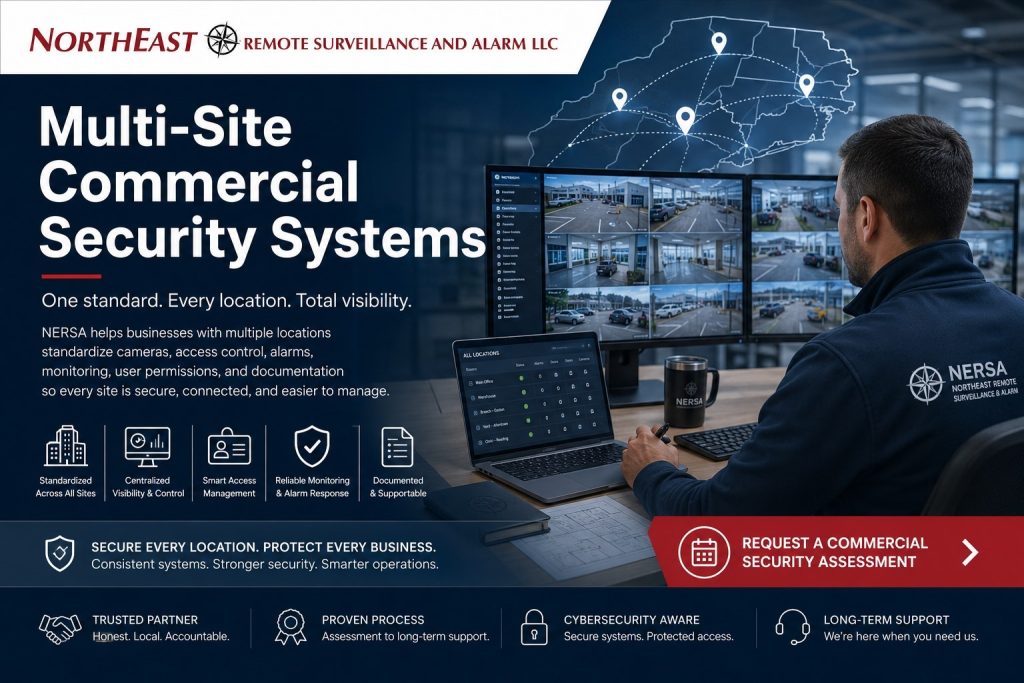
Northeast Remote Surveillance and Alarm, LLC helps teams establish shared standards while retaining the equipment and procedures each facility needs.
Opening another location from a single-site business?
Start with Small Business Security Systems and the rollout guidance below.
For the wider framework of connected systems, ownership, and continuity, explore Enterprise Security Systems Integration.
Use this guide to plan a new portfolio, standardize inherited systems, or prepare for expansion.
For administration after deployment, see Multi-Site Security System Management.
One portfolio plan, with clear responsibilities at each site
A warehouse, office, clinic, contractor yard, and branch location can belong to the same organization without needing identical cameras, doors, or alarm layouts. Decide which rules should be shared: site identifiers, administrator ownership, permission approvals, evidence handling, support records, and acceptance tests. Record local differences in operating hours, connections, retained equipment, and authorized contacts.
Define corporate, regional, and local roles before selecting a dashboard. A local manager may need to view one property and manage its operating schedule, while a regional administrator needs oversight of several locations. Broader visibility should follow an approved responsibility, with individual accounts and limited service-provider access.
When multi-site security needs attention
- Managers use different applications and naming conventions to investigate the same type of event.
- Former employees or vendors may retain credentials, alarm codes, or remote access at another location.
- The organization cannot identify who owns cloud accounts, licenses, drawings, or configuration records.
- Camera retention, monitoring contacts, and service expectations differ without an agreed reason.
- Acquisitions or new branches repeat the same setup problems instead of following a documented standard.
Standardize the operating rules before the equipment
Multi-site security system standardization creates a repeatable design and handover process. Start with an inventory and assess condition, compatibility, administrative access, support status, and replacement priority. Classify equipment to retain, correct, integrate, migrate, or replace. A common manufacturer can simplify some tasks, but supported workflows and accountable ownership matter more than matching logos.
| Area | Shared standard | Site-specific decision |
|---|---|---|
| Video | Site and camera naming, viewing roles, export procedures, health checks | Camera coverage, storage capacity, retention needs and network capacity |
| Access control | Approval authority, permission groups, credential lifecycle and change records | Approved doors, schedules, local controller behavior and compatible credentials |
| Intrusion alarms | Clear zone descriptions, contact reviews and documented escalation | Detection layout, partitions, opening hours and communication paths |
| Infrastructure | Account ownership, approved remote access and documentation | Available power, cabling, bandwidth, storage and local network constraints |
| Support | Issue reporting, priorities, handover records and acceptance evidence | Site contacts, service access, maintenance windows and known exceptions |
Plan video, access control, and alarms as connected workflows
For video, identify who needs live viewing, recorded search, and export at each location. Test retrieval and usable recordings; an online camera icon alone does not establish recording quality or retention. For access control, define which sites, doors, and schedules each role needs. Confirm credential compatibility before promising one credential across all properties.
For intrusion alarms, maintain accurate site addresses, area names, authorized users, monitoring contacts, and response instructions.
Document how local opening and closing procedures fit the shared standard.
Coordinate integration requirements with unified and integrated security planning and use enterprise video guidance for detailed recording and video architecture.
Fire alarm and other life-safety arrangements require separate site-specific evaluation and qualified coordination. A corporate standard does not replace the requirements or operating constraints of an individual building.
Choose central management and local continuity deliberately
Cloud, on-premises, and hybrid arrangements can place management, recording, identity, and event processing in different locations. Record what the site must continue doing if its internet link, server, recorder, or power source fails. Confirm how alerts reach the responsible people and how operation is checked after restoration.
Review remote administration, individual accounts, supported multifactor authentication, network boundaries, software support, and account recovery with the customer’s IT team. Determine subscriptions and licenses, customer ownership, and service-provider permissions before deployment. A shared application does not by itself prove that all devices or functions are integrated.
A practical standardization and rollout sequence
- Discover: identify systems, users, known failures, accounts, documentation gaps, and business priorities at each location.
- Define: agree naming, permission roles, retention decisions, contacts, supported integrations, acceptance tests, and the process for local exceptions.
- Pilot: validate the approach at a representative site, including operator tasks and behavior during a loss of connectivity.
- Roll out: schedule manageable waves with responsibilities, temporary procedures, and rollback criteria agreed before each cutover.
- Accept: verify approved access, camera retrieval and export, alarm identification, supported event delivery, and the handover records.
- Maintain: assign ownership for documentation, user changes, service requests, and periodic standards reviews.
Growing small businesses and multi-location operators
A business adding its second or third location needs a manageable framework, not unnecessary administrative layers. Begin with the owner’s account control, local manager permissions, camera and alarm naming, contact lists, and a repeatable new-location checklist. Expand reporting and regional roles when the organization needs them.
Existing cameras, alarm panels, or cabling may remain when they meet the agreed performance and support requirements.
Prioritize urgent failures and account-control gaps, then plan larger migrations around operating schedules and budget.
Small Business Security Systems covers individual-location needs; this multi-site plan addresses the decisions shared across properties.
An example of a repeatable portfolio standard
Consider an illustrative organization with an office, warehouse, and newly acquired branch. It can use a site–building–area–device naming pattern, an approved role matrix, and one documentation template while keeping different camera layouts and door schedules. The branch’s inherited equipment is evaluated before migration, and any temporary exception receives an owner and review date.
Acceptance can then answer concrete questions: can the regional manager find and export the right recording, does a transferred employee retain only approved access, and does a service report identify the same device name shown to operators? This is a planning example, not a claim of a measured customer result.
What the organization should receive at handover
Agree the deliverables before work begins: site and device inventories, configuration records, drawings where included, account ownership, approved permission roles, monitoring contacts, test evidence, training, known exceptions, and support responsibilities.
Include licenses, subscriptions, warranties, and upcoming replacement priorities.
Security system documentation standards explain the records that make future service and expansion practical.
Design and standardization establish the environment.
Ongoing multi-site management maintains users, records, system-health reviews, tickets, and lifecycle priorities after handover.
The service agreement should specify included platforms, available diagnostics, authorizations, coverage, response arrangements, and separately scoped work.
Multi-site planning in your area
For local assessment and coordination, see Allentown multi-site security, Bethlehem multi-site security, and Reading multi-site security.
Frequently asked questions
Does every location need identical equipment?
No. Shared administration, documentation, and testing standards can coexist with different equipment and layouts. Retention depends on condition, compatibility, and the functions the organization needs.
Can one owner view several locations?
Supported platforms can provide authorized visibility across properties. Confirm the exact systems, licenses, permissions, and supported live or recorded functions during assessment.
Can employees use one credential at several sites?
That depends on the platforms and credential technology. Compatibility must be confirmed, and each person should receive only approved doors and schedules.
Can standardization happen in phases?
Yes, where the existing and target environments support an agreed transition. Define coexistence, testing, temporary procedures, and rollback criteria before each phase.
Is system management the same as standardization?
Standardization defines and deploys the common operating rules. Management is the continuing work of administering users, reviewing system health, coordinating service, and maintaining records.
What should we bring to an assessment?
Start with locations, approximate system sizes, known platforms, available records, recurring issues, administrator responsibilities, and planned growth. Missing information becomes part of discovery.
Request a multi-site security assessment
Bring a location list, known security platforms, approximate camera and door counts, administrator responsibilities, recurring problems, and expansion plans. Northeast Remote Surveillance and Alarm, LLC can discuss discovery, compatibility checks, a phased scope, and ongoing support for your organization.
Request an assessment or call 1-888-344-3846.
Enterprise planning resources
For the wider enterprise framework, see Enterprise Security Systems Integration.
Related Customer Case Study
See the project scope in Mama’s Pizza: Small Business, Multi-Location Security Case Study.
Explore more actual customer projects in the NERSA Case Studies collection.