A Philadelphia business can outgrow its video surveillance system long before every camera fails.
Request an assessment for this Philadelphia project
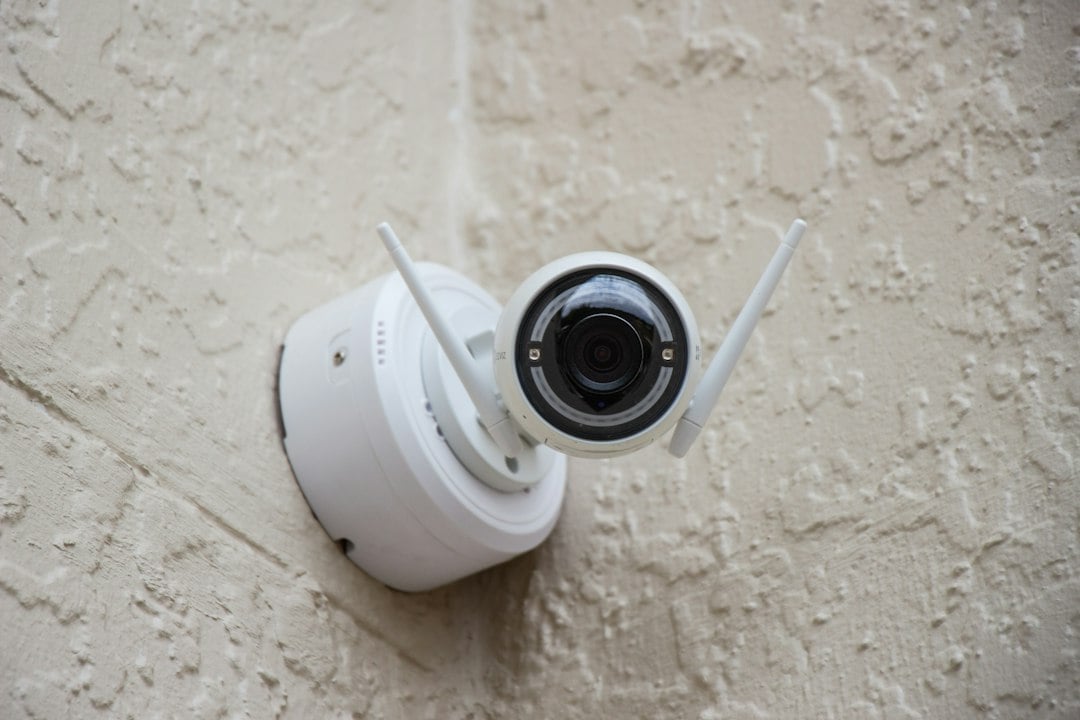
Recording gaps, slow playback, unreliable remote access, poor nighttime images, insufficient retention, and older unsupported recorders are common reasons to review a system. NERSA evaluates practical commercial camera upgrades and recorder replacements in Philadelphia without assuming every cable or camera must be discarded.
For a completely new camera system, see NERSA’s Philadelphia commercial security camera installation guide.
If you already have cameras, start by reviewing equipment condition, coverage gaps, recorder support, cable reuse and the cutover plan.
Begin With the Cameras and Recorder Already Installed
Document the camera models, recording platform, storage capacity, firmware support, PoE switches, cabling, available credentials, and who owns the system. Compare actual footage from entrances, parking, loading docks, and other critical areas in daytime and after dark. A camera with acceptable image quality but poor placement may need a new view or mounting position rather than a higher-resolution replacement.
If an administrator account is unavailable or the vendor relationship has ended, the takeover plan should include licensing, recovery options, warranties, and a realistic migration strategy. Do not remove the old recorder until the team understands whether footage must be retained or exported.
Choose Between Repair, Selective Upgrade and Replacement
A selective modernization can address weak areas first: replace a failed recorder, improve recording storage, reposition particular cameras, update a switch, or add dedicated coverage where evidence is missing. Review compatibility before connecting older devices to a newer recorder or management platform. Not every camera, codec, license, analytic function, or network protocol will work with every proposed system.
For occupied properties, agree on a sequence that preserves important coverage wherever possible. Document expected downtime, recorder cutover, credential access, and any temporary gaps instead of treating them as afterthoughts.
Make Recording Retention and Playback Usable
Choose retention from a documented operational requirement, not an arbitrary number of days. Account for camera counts, resolution, recording schedule, motion settings, frame rate, compression, and growth allowance. Confirm export formats and permissions so the customer can actually retrieve footage when a safety event, damage claim, or theft investigation occurs.
Review time synchronization, user audit trails, off-site viewing, bandwidth and cybersecurity practices. An upgrade should also remove unnecessary shared credentials and clarify the business’s administrator ownership.
Upgrade the Network Alongside the Video
PoE budgets, switch uplinks, fiber paths, UPS capacity, wireless links, and secure remote access can limit video reliability. Diagnose packet loss and overloaded segments before increasing camera resolution. Label cables and switch ports, document recorder network settings, and ensure the final system can be maintained by the customer’s authorized team.
How NERSA Hands Over a Camera Upgrade
The completed scope should identify which cameras were reused, relocated or replaced; recorder and storage details; footage-retention assumptions; administrator credentials; testing of day and night views; network changes; and the training needed for exporting and reviewing video. We can coordinate related improvements to door events or alarms when compatible and justified.
For general camera installation planning, see the Philadelphia camera guide linked above.
For broader work involving alarms, doors, and multiple vendors, see Philadelphia security system retrofits and takeovers.
Practical Upgrade Decisions Before Equipment Is Ordered
Keep or replace the existing recorder? Review whether its software is supported, whether replacement drives and reliable backups are available, and whether exporting footage is straightforward for authorized employees. Compare the actual usable recording capacity with the requested retention period. A new recorder should also be evaluated for camera compatibility, secure administration and future expansion; adding more storage without resolving unsupported software may not address the underlying problem.
Keep or replace the cameras? Test important scenes during routine work and under challenging nighttime conditions. A view that shows general movement may not be adequate for identification or documentation. Decide which existing cameras can be retained, which need relocating, and which require new lens, illumination or resolution capabilities. Document the reason for each proposed change so the customer can compare priorities and budgets.
What will change for the staff? Before cutover, check who needs live viewing, footage export, alerts and mobile access. Set individual privileges where the platform allows, remove obsolete accounts, and demonstrate how an event is retrieved. Provide a list of reused components and known limitations, not just a list of new hardware. A successful Philadelphia camera retrofit should leave the property with more useful evidence and a system the authorized team understands.
Frequently Asked Questions
Do all of the existing Philadelphia cameras need replacement?
No. A documented assessment may support keeping selected cameras, cable runs or network equipment if compatible, secure and suitable for the required footage.
Can NERSA replace an unsupported recorder?
Yes, where the proposed recording platform is compatible with the retained devices, or where a planned migration can resolve incompatibility.
Can a camera upgrade happen while the building is occupied?
Many projects can be phased around business operations. Expected recording and coverage interruptions should be agreed on in advance.
Request a Philadelphia Commercial Security Assessment
Tell us which building or area needs attention, what equipment is already in place, and whether this is a new installation, expansion, repair, or takeover.
Request an assessment for this Philadelphia project or call 1-888-344-3846.
Northeast Remote Surveillance and Alarm, LLC serves commercial and industrial properties; we do not install consumer residential systems.
Compliance, Codes & Project Standards
NERSA plans commercial and industrial security work with applicable code, documentation, inspection and authority-having-jurisdiction requirements in mind. Requirements vary by system, property and jurisdiction. These resources support project planning; they do not establish legal compliance, certification or AHJ approval.
Related guidance: Regulatory compliance & inspection readiness · NERSA project standards · Documentation, testing & inspection readiness