
Easton medical office security helps practices coordinate controlled entry, staff alerts, camera coverage, and after-hours protection.

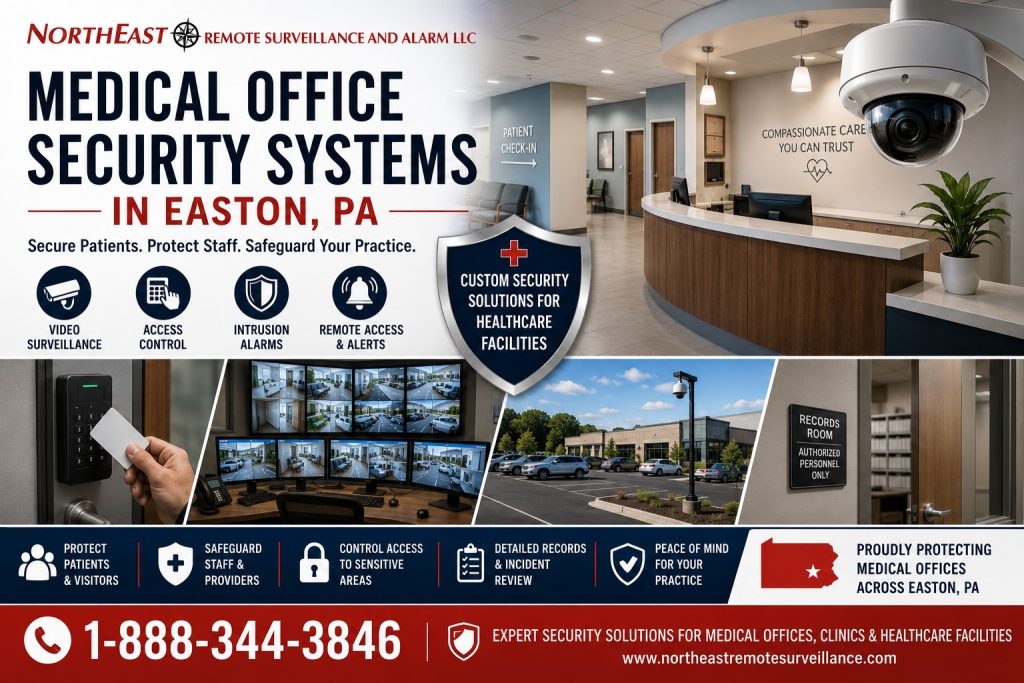
Choosing Security Services for a Medical Office
Choose healthcare access control for staff permissions and restricted work areas. Use panic and duress guidance for staff-initiated alerts and the office-camera guide for appropriate entrance or common-area views. The fire-alarm directory covers that separate building-system requirement.
Start with one operating concern, such as managing an unstaffed reception period or controlling a staff-only door. Identify who must use the system and who responds to an event. Then select the relevant guide to prepare for a focused assessment.
Explore Easton Medical Office Security Services
Choose the dedicated healthcare page that matches your access, emergency, camera, or life-safety requirement.
- Healthcare & Medical Office Access Control in Easton, PA — Manage staff, patient-area, and visitor access for healthcare properties.
- Panic and Duress Alarm Systems in Easton, PA — Provide employees with a direct way to signal panic or duress events.
- Office Security Cameras in Easton, PA — Monitor entrances, common areas, and after-hours office activity.
- Commercial Fire Alarm Systems in Easton, PA — Coordinate commercial fire-alarm detection, notification, monitoring, and system planning.
Project Scope and Related Resources
Use these Easton guides to coordinate practice-wide security, controlled entry, camera coverage, and parking-area review.
- Commercial and Industrial Security Systems in Easton, PA — Coordinate medical-office protection with the wider property plan.
- Commercial Access Control Systems in Easton, PA — Plan staff permissions and controlled access to restricted spaces.
- Commercial Video Surveillance Systems in Easton, PA — Review camera coverage with attention to privacy and incident review.
- Parking Lot Security Cameras in Easton, PA — Review exterior camera views along vehicle and pedestrian routes.
Prepare for a Practice Assessment
Bring a floor plan showing reception, staff entrances, shared corridors, and restricted work areas. Identify who manages door permissions and who receives staff alerts. Discuss where camera views are appropriate for the practice and who may review recordings.
Easton medical office security planning should reflect opening hours, cleaning schedules, and periods when reception is unstaffed. Start with the problem that most affects daily operations. Then use the service guides above to define the work and agree on how staff will test it.
Request a Security Assessment
To discuss your property and its security needs, request a security assessment.