
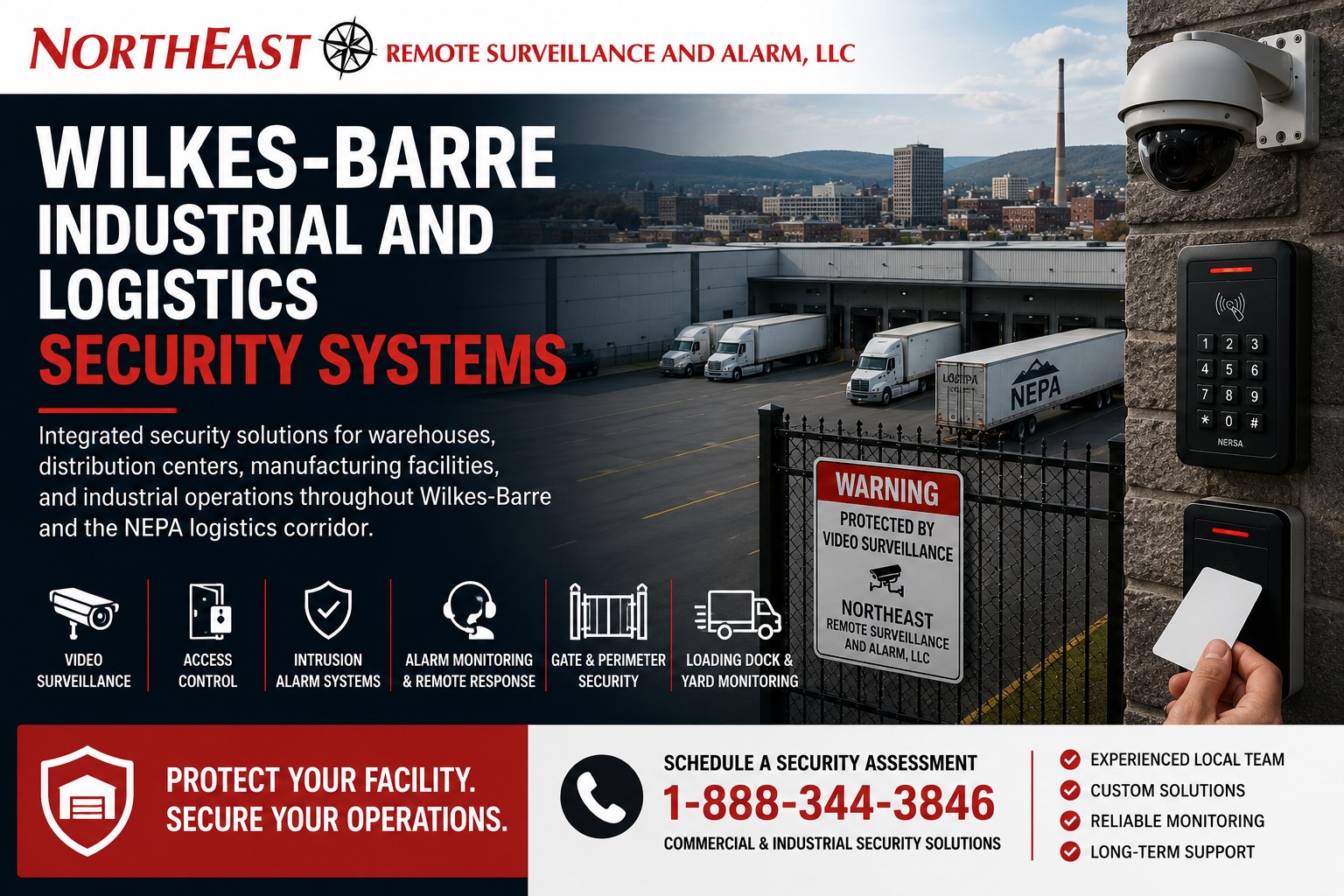
NERSA provides commercial intercom installation and visitor entry systems in Wilkes-Barre, PA.
Plan office reception, delivery calls, and controlled entrances around the staff who answer and authorize admission. The assessment identifies entrance stations, answering locations, supported door-release connections, and what happens when the usual contact is unavailable.
For the surrounding doors, cameras and access arrangements, see Wilkes-Barre commercial security systems.
Define the visitor’s next step
Start with the questions a first-time visitor needs answered: which entrance to use, whom to call and where to wait. Clear arrival instructions matter as much as the station itself. A caller should not need to understand internal department names to reach an appropriate contact.
Separate office appointments, parcel deliveries, freight drivers and service technicians. Their destinations and admission requirements may differ. Sending every request to the same person can work only if that person has the information and authority to handle each type of arrival.
Match answer locations to actual staffing
List who answers during ordinary hours, breaks and periods when reception is unstaffed. Confirm where those employees work rather than assuming an old desk phone remains the right destination. If calls move to another team, explain the responsibility explicitly.
A backup recipient needs a practical way to confirm the visit. Otherwise, forwarding a call only moves the uncertainty. Consider a technician arriving during a shift handover: the answering person should know how to contact the sponsor and where the technician should wait.
Make entrance names and directories clear
Use names that visitors and employees can both recognize. Where several entrances or occupants are listed, avoid abbreviations that make sense only internally. Align the directory with signs and appointment instructions so a visitor is not choosing between conflicting names.
Assign responsibility for directory updates. Staff moves, tenant changes and new opening hours should trigger a review of answer destinations and permissions, not merely replacement of a sign. Keep private contact details out of public listings unless there is an intentional business reason to display them.
Check the conversation in realistic conditions
Test speech clarity from the position callers actually occupy. Traffic noise, weather exposure, distance and background activity can change how well a station works. For vehicle entrances, consider different driver positions without assuming everyone can safely reach the same point.
If video is included, identify whether staff need a close caller view or a wider approach view. Lighting and glare should be checked for the expected operating periods. Appropriate mounting and accessible use need professional evaluation for the particular entrance.
Keep verification ahead of release
Staff should confirm the visitor’s purpose and expected contact before releasing an opening. A familiar business name, uniform or vehicle does not by itself establish permission. For contractors, determine whether an escort or on-site sponsor must be present.
Where several doors or gates can be operated from one answer location, labels must identify the correct opening. Test the incoming call, displayed entrance and release control together. Physical hardware and required exit behavior need qualified review; adding an intercom does not establish that the opening is properly designed.
Handle the visit after admission
Decide where the visitor goes once the door opens. Reception, a waiting area or an employee meeting point may be appropriate, depending on the property. Admission should not leave a visitor searching through controlled areas for the person they came to see.
For deliveries, distinguish a simple parcel drop from freight requiring staff assistance. A remote answering employee may be able to speak to a courier but unable to receive or secure the delivery. Set expectations around what the property can actually provide at that time.
Give unanswered calls a defined outcome
Agree what happens when nobody authorized is available. A clear business contact, a staffed alternative entrance or return instructions may be appropriate. The answer depends on the property’s operation, but it should not rely on giving every caller a permanent shared code.
Check the fallback from the caller’s side. Instructions should be understandable and current. Staff also need to know how to report missed calls or a recurring routing problem so visitors are not repeatedly left at an unresponsive entrance.
Coordinate the connection and support
Discuss power, network and communication requirements with the installer and IT team. Identify which party investigates a station fault and which supports remote answering or customer network issues. Clear ownership prevents an interruption from becoming a series of referrals between providers.
Confirm the behavior when a connection is unavailable. Do not assume remote release or call history works during every outage. Document the approved temporary process and review it with the staff who will be responsible.
Control records and administrative privileges
Ask which call, image and entry records the proposed equipment actually retains. Do not assume every conversation is recorded. Decide who may review records, how long they are kept and whether applicable privacy obligations require advice.
Employees answering routine calls may not need authority to change directories, schedules or administrator accounts. Separate those roles and review access when responsibilities change. Keep support details available to the named system owner.
Practice ordinary and difficult arrivals
Test an expected visitor, a misdirected courier, an unanswered call and an arrival outside the usual schedule. Have actual employees answer from their normal work locations. Bring entrance names, staffing hours and visitor rules to NERSA; a complete handover should leave both callers and staff with a clear next step.
Review the first few weeks of use with reception and shipping staff. Repeatedly misdirected calls may indicate unclear signs or directory names rather than an equipment fault. Update the visitor instructions and answer routing together when that pattern appears.
Discuss your property
For facilities in surrounding communities, see Northeastern Pennsylvania commercial security guide.
Compliance, Codes & Project Standards
NERSA plans commercial and industrial security work with applicable code, documentation, inspection and authority-having-jurisdiction requirements in mind. Requirements vary by system, property and jurisdiction. These resources support project planning; they do not establish legal compliance, certification or AHJ approval.
Related guidance: Regulatory compliance & inspection readiness · Access control & door hardware standards · NFPA 101 & egress planning · ADA access-control planning