
For the broader system plan, see Easton warehouse access control systems.

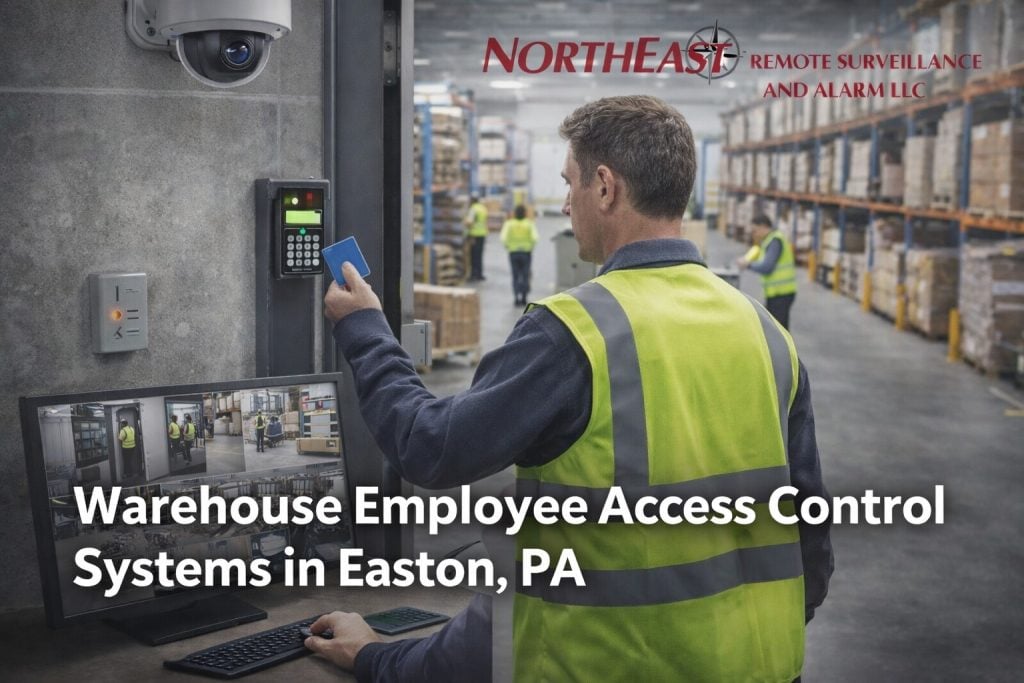
Warehouse Employee Access Control Systems in Easton, PA control who can enter Easton warehouse staff doors, restricted rooms, and shift-based areas through individual credentials and clear enrollment and offboarding steps.
Build access around people, shifts, and job duties
First, identify each employee group and the places needed for daily work. Then assign door groups and schedules to job duties instead of copying broad access from one person to another. As a result, permissions stay easier to understand and review. For an Easton distribution building, distinguish receiving staff, forklift operators, inventory personnel, maintenance contractors, and office employees. A scheduled overnight shipping shift may need access to receiving doors without permission to enter administrative offices or controlled inventory cages. Walk the route each role takes from parking to its work area, including break rooms and shared exits. Document exceptions for temporary assignments and holiday shifts rather than granting permanent broad permissions. Confirm every controlled opening remains consistent with applicable egress and fire-safety requirements before selecting hardware.
Next, document enrollment, identity checks, credential issue, role changes, and offboarding. Set steps for lost cards, temporary staff, contractors, and supervisors. These rules help the warehouse remove access quickly when work status changes.
What the assessment covers
- Named credentials, identity checks, enrollment, activation, and issue records
- Door groups, shift schedules, holidays, restricted rooms, and approval roles
- Temporary staff, contractors, visitors, shared work areas, and exceptions
- Lost credentials, replacements, role changes, leave, and prompt offboarding
- Event review, privacy, audit reports, account security, and user training
- Emergency operation, door behavior, tests, maintenance, and written records
Regular review keeps permissions aligned with current work. For example, supervisors can compare active credentials with the staff roster and investigate unusual events. Administrators should remove dormant accounts and confirm who may change access rules. Establish a documented review at a consistent interval and after each staffing change. Reconcile active users, assigned door groups, credentials that were never collected, and access granted to third-party workers. Test whether a lost credential can be disabled promptly and whether a supervisor can retrieve an event associated with a specific door. Keep a record of who approved each exception, when it expires, and how an administrator will reverse it. Include the access-controller network and backup-power dependencies in the handover documents so future service work does not depend on one employee’s memory.
Test the Employee Access Process
Begin with a current employee list and a door schedule. Then define standard access profiles for each role and shift. Finally, test a new hire, a role change, a lost card, and an offboarding event from start to finish.
Review Easton warehouse access control systems for doors, readers, locks, controllers, and life-safety coordination.
See the Easton access control services for related credential and entry services, or return to the Easton commercial security services for other local property needs.
Project Planning Questions
Can access permissions follow job roles instead of individual door changes?
Use defined groups for employees who share the same approved doors and hours, while documenting exceptions separately. Test transfers between roles so an employee gains the new permissions and loses access that is no longer required.
Who should approve temporary access exceptions?
Name a supervisor or site administrator, record the reason and set an expiry or review date. A temporary change should be visible to the person maintaining the staff roster and reversible without rebuilding the normal access groups.
Request an Easton assessment
NERSA can review your Easton warehouse’s employee roles, shifts, and door schedules to recommend an appropriate access control plan.
Request a security assessment.
Compliance, Codes & Project Standards
NERSA plans commercial and industrial security work with applicable code, documentation, inspection and authority-having-jurisdiction requirements in mind. Requirements vary by system, property and jurisdiction. These resources support project planning; they do not establish legal compliance, certification or AHJ approval.
Related guidance: Regulatory compliance & inspection readiness · Access control & door hardware standards · NFPA 101 & egress planning · ADA access-control planning