
Commercial access-control credentials should identify each user, limit entry to approved doors and schedules, and be easy to revoke when access is no longer needed.

request a commercial security assessment
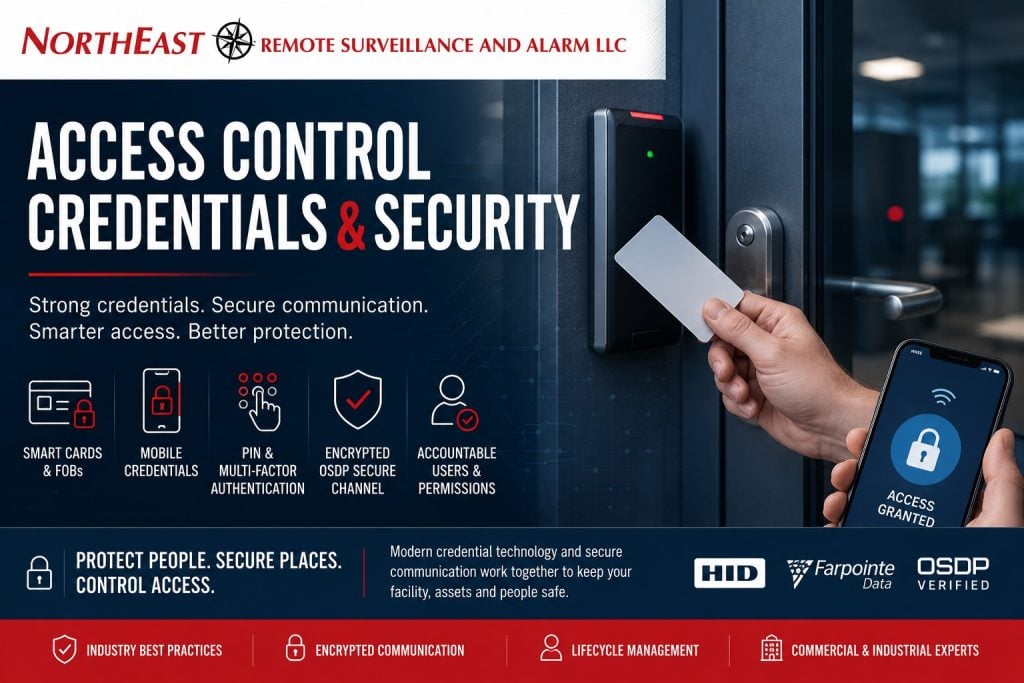
Credential Security Starts With Administration
A credential is the card, fob, phone, PIN, biometric, or other approved method a user presents to request access. The credential alone does not secure a facility. Effective access control also depends on accurate user records, appropriate permissions, protected administrator accounts, reliable door hardware, and prompt removal of inactive users.
Each credential should normally belong to one identifiable person. Shared cards and codes weaken accountability because the event record cannot reliably show who entered. Role-based permissions make administration easier by assigning approved doors and schedules according to job responsibilities.
- Verify the user and the person authorizing access.
- Assign only the doors, buildings, and schedules the user needs.
- Document who owns administrator access and approval decisions.
- Disable lost, expired, or unnecessary credentials promptly.
Cards, Fobs, Mobile Credentials, and PINs
The right credential depends on the facility, workforce, installed readers, security objectives, and administration process. Familiar proximity cards may remain practical in an existing system, while newer smart cards and mobile credentials can support stronger authentication when compatible readers and platforms are configured correctly.
- Cards: familiar, easy to issue, and available across many commercial platforms.
- Key fobs: compact physical credentials with many of the same management options as cards.
- Mobile credentials: useful where supported phones, enrollment, licensing, and replacement procedures fit the operation.
- PINs: best assigned individually; shared codes provide limited accountability.
- Biometrics: require additional planning for enrollment, privacy, storage, accessibility, and fallback access.
Credential technology should be evaluated as part of the complete opening. A sophisticated credential cannot compensate for a door that does not close, a lock that does not secure, or an unmanaged access-control account.
Reader and Controller Communication
The access path includes communication from the credential to the reader, from the reader to the controller, and from the controller to the server or cloud platform. These stages should be reviewed together. A modern credential can still be limited by an older reader interface or weak administrator practices.
Wiegand and OSDP describe reader-to-controller communication; they are not credential types.
OSDP can provide supervised, bidirectional communication and may support Secure Channel on compatible equipment.
Existing readers, controllers, wiring, software, and credentials must be checked before planning a migration.
See the Wiegand and OSDP guide for a focused comparison.
Manage the Complete Credential Lifecycle
A dependable credential program covers every stage from approval through removal:
- Approve: confirm the user, sponsor, role, doors, and schedule.
- Issue: assign a unique credential and record who received it.
- Use: maintain readers, controllers, locks, networks, and event records.
- Review: audit inactive accounts, excessive permissions, temporary users, and duplicate credentials.
- Revoke: disable access immediately after loss, expiration, termination, or a change in responsibility.
Employee onboarding and offboarding should include access-control tasks. Contractor and visitor credentials should be limited by door, schedule, and expiration date. Permission reviews should reflect workforce turnover and facility risk rather than relying on a one-time setup.
Upgrading Existing Credential Systems
An upgrade does not always require complete replacement. Some facilities can retain serviceable controllers, wiring, locks, or credentials while improving readers, software, administration, or selected doors. Other systems may be too limited, unsupported, or undocumented to provide a reliable migration path.
A phased upgrade may use multi-technology readers while new credentials are issued and tested. Legacy compatibility should have a defined purpose and retirement plan so the older technology does not remain enabled indefinitely without review.
What an Access-Control Assessment Reviews
- User groups, shifts, tenants, contractors, and temporary personnel
- Current cards, fobs, mobile credentials, readers, and controllers
- Door hardware, closing conditions, emergency egress, and power
- Administrator accounts, approvals, records, and credential ownership
- Network, server, cloud, licensing, and remote-support requirements
- Migration priorities, operational constraints, and future expansion
NERSA designs, installs, upgrades, and supports commercial and industrial access-control systems.
Recommendations are based on the property, operating requirements, existing equipment, and long-term administration—not a predetermined credential package.
Frequently Asked Questions
Should every employee have an individual credential?
Usually, yes. Individual credentials make it easier to manage permissions, investigate events, and remove one user without affecting everyone else.
Are mobile credentials always more secure than cards?
No. Security depends on the complete system, including enrollment, authentication, reader compatibility, administrator controls, device replacement, and revocation procedures.
Can an older proximity-card system be upgraded gradually?
Sometimes. A site assessment should verify reader, controller, credential, wiring, and software compatibility before a phased migration is selected.
What should happen when a credential is lost?
An authorized administrator should disable the missing credential, document the change, and issue a replacement without leaving duplicate active access.
Request an Access-Control Assessment
For a new credential system, a controlled migration, or help correcting an unreliable installation, request a commercial security assessment.
Compliance, Codes & Project Standards
NERSA plans commercial and industrial security work with applicable code, documentation, inspection and authority-having-jurisdiction requirements in mind. Requirements vary by system, property and jurisdiction. These resources support project planning; they do not establish legal compliance, certification or AHJ approval.
Related guidance: Regulatory compliance & inspection readiness · Access control & door hardware standards · NFPA 101 & egress planning · ADA access-control planning