
Alarm.com Connected Fleet planning helps a business decide how vehicle information should support dispatch, maintenance and day-to-day oversight.

Request a commercial security assessment
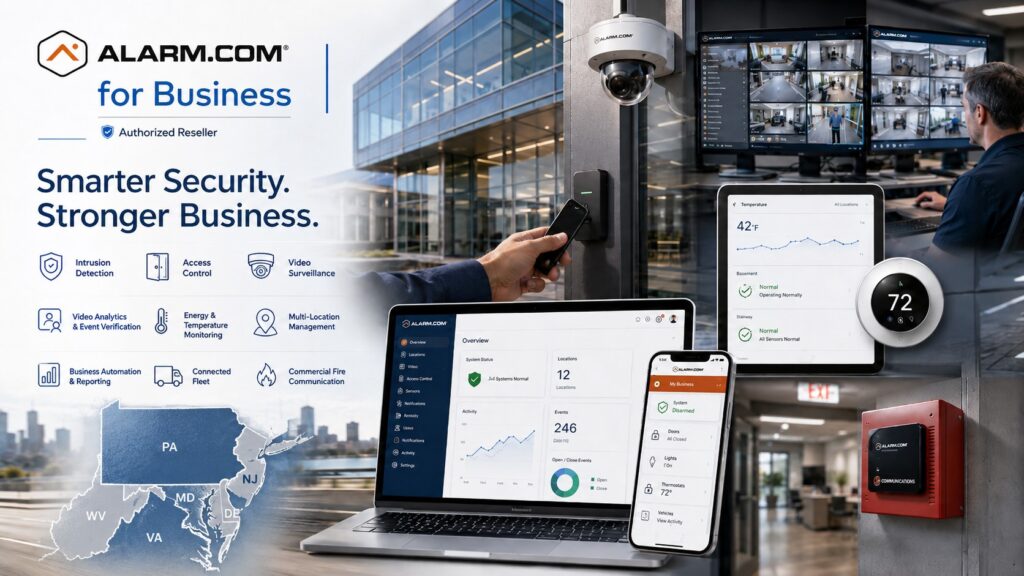
Explore Alarm.com for Business Security Systems for the wider platform, then use this guide to define the requirements for this part of your project.
Define the fleet-management question
Start with the question your team needs to answer. Dispatch may need to understand where an assigned vehicle is located. A maintenance manager may need a consistent way to review vehicle issues. An owner may need trip reports across several branches. Those are different tasks, and each should have a named user and a clear purpose.
The Alarm.com Connected Fleet overview describes dashboards for vehicle location, maintenance and driving information, fuel information, notifications and trip reports.
It also identifies the ADC-CC100 connector and cellular communication.
Confirm vehicle compatibility and service availability for the proposed fleet before selecting equipment.
Build an accurate vehicle inventory
List each vehicle with the identifying details needed for compatibility review, its branch, its usual role and the person responsible for it. Note vehicles that are leased, shared, seasonal or scheduled for replacement. Keep the list current so an equipment assignment does not become detached from the vehicle actually in service.
Ask the provider to review the proposed device and connection for each vehicle type. A connector that fits physically does not by itself establish that every desired data item will be available. Identify which information the business expects to use and confirm it during the pilot. Record any limitations before ordering across the fleet.
Separate dispatch information from building access
A vehicle location or trip record serves a different purpose from a building credential. Define how staff will use the fleet view alongside existing dispatch tools and site procedures. If a driver reaches a closed gate, the property still needs a clear authorization and contact process. Do not treat a vehicle record as permission for every occupant to enter a building.
For the property side of that workflow, review commercial access control.
Use visitor-entry planning when drivers or contractors need to contact staff at an entrance.
Keep the responsibilities for dispatch, site access and security response clear.
Choose useful notifications
Identify the events that deserve attention and the person who can act on them. A maintenance notice may belong to the fleet manager, while a location-related exception may belong to dispatch. Agree on operating hours and what happens when the primary contact is unavailable. Too many routine messages can make important exceptions harder to notice.
Where the configured service supports a geographic notification, define the business purpose and review the boundary against actual routes. Test ordinary arrivals and departures before relying on the rule. Consider nearby roads, shared facilities and temporary work locations when interpreting a notification. A message should prompt an appropriate review, not an unsupported conclusion about a driver’s conduct.
Make trip reports useful to operations
Decide which questions a report should answer, who receives it and how often it is reviewed. The report period should match the business task. A supervisor resolving a particular trip question needs a different view from someone reviewing a month’s activity. Use consistent vehicle and branch names so recipients can interpret the result.
Before adopting a recurring report, compare a sample with a known trip. Confirm the relevant vehicle, dates and available details. Document any gaps and how staff should investigate them. Keep the source information in context with dispatch records and the vehicle assignment; a report alone may not explain why a route changed.
Set access and employee-use expectations
Identify who may see fleet information, who may change settings and who may export reports. Use named accounts with permissions suited to each role. Review access when a manager changes responsibilities or leaves. Separate routine dispatch access from wider administrative control where the configured system permits it.
Before rollout, explain the program to the people who use the business vehicles. Document the business purposes, expected use and the contact for questions or corrections. Have the organization review its own employment, privacy and records obligations. This guide does not establish a retention period or a legal policy for your workforce.
Pilot before expanding
Choose a small but representative group of vehicles and users. Include the vehicle types and routes that matter to the proposed deployment. Agree on a pilot review date and the tasks that must work before adding the remaining fleet. Include dispatch and maintenance staff in that review.
- Confirm the correct vehicle and branch assignment.
- Check the information available on a representative trip.
- Review an agreed notification and its recipient.
- Demonstrate the report the business intends to use.
- Confirm the response to a disconnected device or unavailable communications.
- Record accepted limitations and the service contact.
Use the findings to revise naming, notifications and training. Keep a process for moving or retiring equipment when vehicles change. A controlled rollout makes it easier to identify whether a problem concerns the vehicle, installation, account setup or the way staff interpret the information.
Plan cost and ongoing responsibility
Ask the proposal to separate devices, setup, recurring service and any training or support. Confirm who handles vehicle changes, account updates and troubleshooting. Define what happens when a leased vehicle is returned or a branch adds new vehicles. These recurring tasks belong in the operating plan.
Organizations with several sites can review Alarm.com multi-location management for wider account responsibilities.
Use business reporting planning to keep report ownership and review routines consistent across the organization.
Connected Fleet questions
Does every vehicle provide the same information?
Do not assume so. Confirm the proposed vehicle, connector, account service and available information with the provider, then test the tasks your business needs.
Is this a replacement for dispatch or maintenance procedures?
It can support those procedures with information. Staff still need a process for assigning work, reviewing exceptions and arranging service.
Discuss your project with NERSA
Bring your existing equipment details, operating requirements and the questions your team needs to resolve.
Request a commercial security assessment or call 1-888-344-3846 to discuss the scope.
Compliance, Codes & Project Standards
NERSA plans commercial and industrial security work with applicable code, documentation, inspection and authority-having-jurisdiction requirements in mind. Requirements vary by system, property and jurisdiction. These resources support project planning; they do not establish legal compliance, certification or AHJ approval.
Related guidance: Regulatory compliance & inspection readiness · NERSA project standards · Documentation, testing & inspection readiness