Choosing a security-upgrade approach in Bethlehem starts with deciding which existing equipment can support the property’s current operating needs.

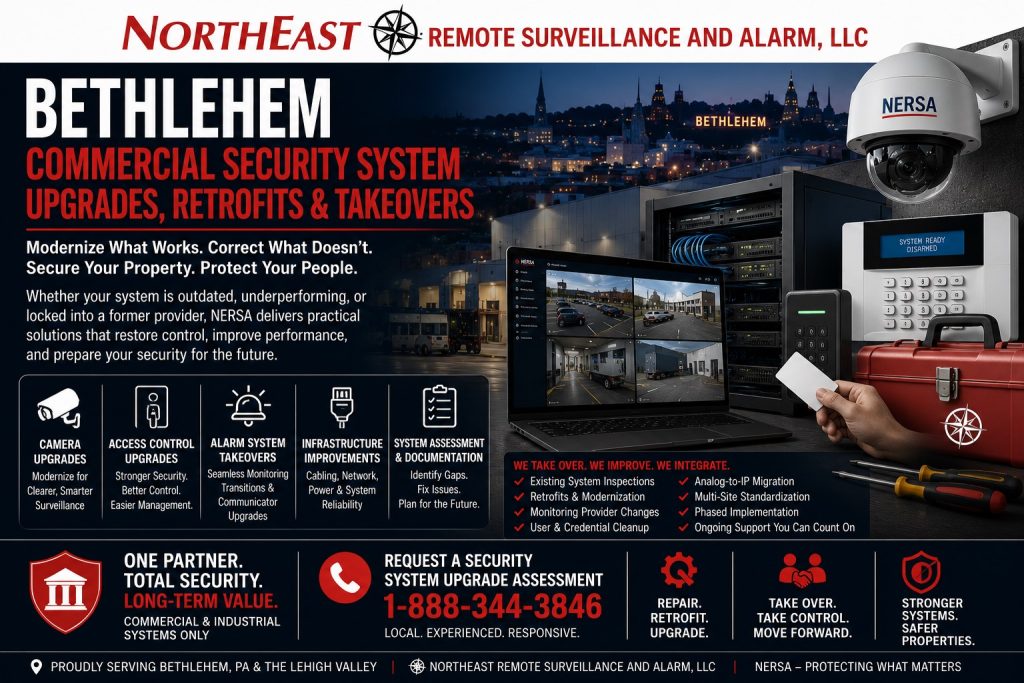
Return to the Bethlehem security system upgrades and retrofits guide for the individual services.
Start With the Existing System
Record the equipment, supported software, administrative access, service history, and problems the business needs to solve.
Review documentation and test the relevant functions before assuming a device can be retained or must be replaced.
When the main need is transferring support and account administration, review Bethlehem security-system takeovers.
A useful assessment separates equipment faults from configuration, wiring, network, power, or operating-process problems.
That distinction helps define a practical scope instead of replacing equipment without addressing the cause of the issue.
To stage an agreed project around operating schedules and dependencies, see Bethlehem phased security upgrades.
Compare the Available Approaches
A takeover may be appropriate when existing equipment is compatible, supportable, and accessible to the new service provider.
A retrofit may retain usable infrastructure while changing selected devices or controlled openings.
Replacement may be appropriate when equipment condition, support, compatibility, or capacity prevents the required result.
When equipment can no longer meet the facility’s requirements, review Bethlehem legacy security-system replacement.
Compare proposals against the same required functions and record the assumptions behind each option. Include installation labor, licenses or subscriptions, retained-equipment limitations, expected downtime, and ongoing support. Ask which costs are confirmed and which depend on inspection or compatibility testing.
Plan the Transition
Identify the functions that must remain available during the work, who authorizes changes, and how completed work will be tested.
A phased approach can organize the transition by building, area, or system when the property and equipment permit it.
When suitable equipment can remain while the system meets a new requirement, see Bethlehem security-system retrofits.
Before handoff, confirm the agreed scope, updated records, administrative responsibilities, and user training. Document retained equipment and any limitations so later service work starts with a clear record.
Related Planning Guides
- Commercial Security System Inspection and Assessment — Establish equipment condition and test the functions that are failing before choosing a project scope.
- Upgrade vs. Replace a Commercial Security System — Compare retained-equipment limits, replacement scope, disruption, and ongoing support.
- Commercial Security System Documentation Cleanup — Reconcile device names, drawings, and configuration records so the installer can identify what is actually in service.
Request a Bethlehem Upgrade Assessment
Request an assessment to review the existing system and compare practical next steps.
There is no obligation to proceed with installation.
Prefer to discuss your property first?
Compliance, Codes & Project Standards
NERSA plans commercial and industrial security work with applicable code, documentation, inspection and authority-having-jurisdiction requirements in mind. Requirements vary by system, property and jurisdiction. These resources support project planning; they do not establish legal compliance, certification or AHJ approval.
Related guidance: Regulatory compliance & inspection readiness · NERSA project standards · Documentation, testing & inspection readiness