
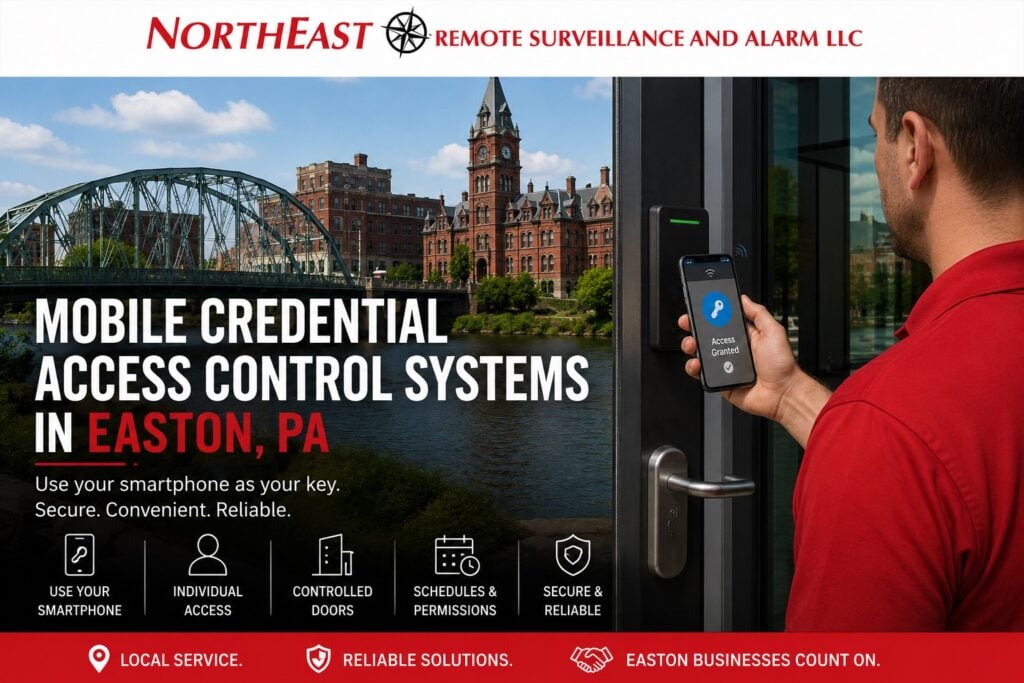
Easton Mobile Credential Access gives Easton businesses managed smartphone entry with defined enrollment, permissions, schedules, device replacement, lost-device response, and offboarding.

For smartphone access across several Lehigh Valley locations, review regional mobile credential planning for enrollment, compatibility, fallback access and shared administration.
Use mobile credentials as a managed access method
First, decide which employees, contractors, or tenants may use a phone for entry. Then confirm the supported mobile platform, reader compatibility, enrollment method, and administrator roles. As a result, the organization controls access instead of relying on an informal phone app.
Next, define the doors, schedules, and permissions for each user group. Document device changes, lost phones, revoked access, temporary use, and offboarding. These steps keep the credential process clear throughout the user lifecycle.
What the assessment covers
- Supported mobile credential platform, smartphone requirements, and compatible readers
- Enrollment, identity checks, invitations, activation, user consent, and support
- Door groups, schedules, holidays, locations, temporary permissions, and approval roles
- Lost devices, replacements, phone upgrades, revoked access, and prompt offboarding
- Offline behavior, network needs, account security, administrator access, and audit history
- Privacy, event records, testing, maintenance, training, and future expansion
Mobile entry should fit the property and its people. For example, some teams may want mobile credentials for frequent users while keeping a physical option for visitors or special roles. A multi-site company may use common enrollment and permission standards across locations.
However, the plan should not assume that every phone, operating system, or reader works the same way. Therefore, the team should test enrollment, entry speed, offline behavior, battery conditions, and access removal with the selected platform before broad use.
A practical credential workflow
Begin with one user group and a small door set. Then test invitation, identity confirmation, activation, normal entry, a schedule restriction, a lost phone, a replacement phone, and offboarding. The team can correct unclear steps before adding more users.
After launch, review failed entries, dormant users, administrator roles, and support requests. Keep a current enrollment guide and named contacts for access changes. Finally, include mobile credentials in routine access reviews and system tests.
Related Easton access-control services
Use these guides to compare physical credentials, broader door planning, system upgrades, and maintenance alongside mobile entry.
- Commercial Access Control Systems in Easton, PA — explore related entry-control services.
- Keycard and Key Fob Access Control Systems in Easton, PA — covers managed physical credentials and cardholder procedures.
- Easton Access Control System Upgrades — addresses broader modernization, migration, takeover, and system-wide changes.
- Access Control Maintenance and Repair in Easton, PA — addresses reader, lock, controller, network, and credential faults.
For other local security needs, explore Commercial and Industrial Security Systems in Easton, PA.
Request an Easton mobile-credential assessment
NERSA can document the users, doors, platform requirements, reader compatibility, and support process for the property.
Request a security assessment.
Compliance, Codes & Project Standards
NERSA plans commercial and industrial security work with applicable code, documentation, inspection and authority-having-jurisdiction requirements in mind. Requirements vary by system, property and jurisdiction. These resources support project planning; they do not establish legal compliance, certification or AHJ approval.
Related guidance: Regulatory compliance & inspection readiness · Access control & door hardware standards · NFPA 101 & egress planning · ADA access-control planning