
Get the security your business needs without buying an oversized or disconnected system.

For coverage and projects across several locations, start with the Central Pennsylvania commercial security guide.
For a broader property installation, use the Harrisburg commercial security installation guide.
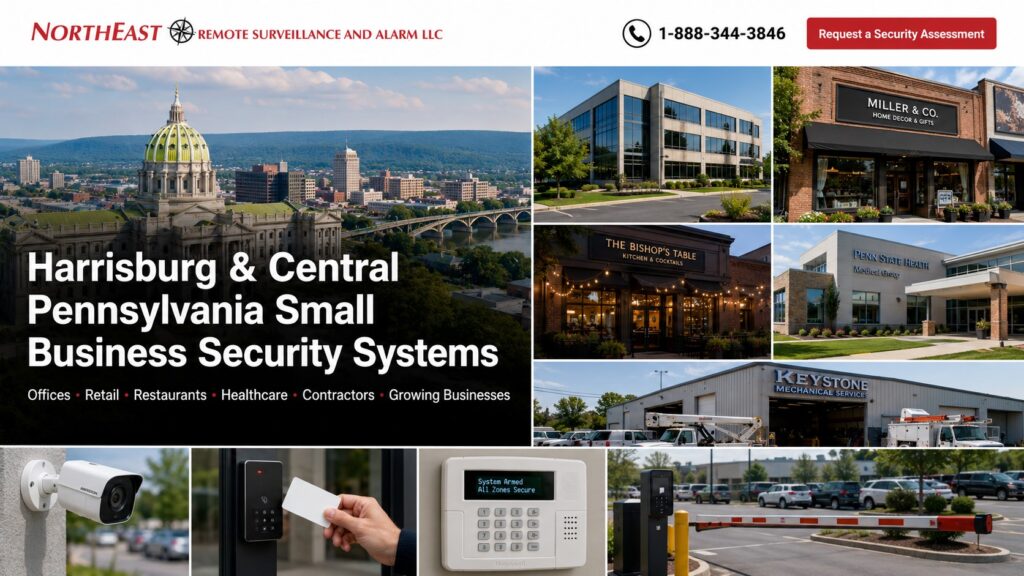
Northeast Remote Surveillance and Alarm, LLC plans commercial-grade security for small businesses in Harrisburg and Central Pennsylvania. We support offices, shops, restaurants, healthcare practices, contractors, service businesses, light industrial properties, leased spaces, and growing multi-location operations.
Start With the Problems You Need to Solve
A useful security plan begins with the property and daily routine. We review entrances, customer and employee flow, cash or inventory areas, parking, rear doors, deliveries, restricted rooms, closing procedures, network conditions, and existing equipment. The recommendation should match real risks and available staff.
Choose the Right Security Layers
- Video surveillance for awareness and incident review
- Access control for employees and restricted doors
- Intrusion alarms for closed or protected areas
- Intercoms for visitor and delivery entry
- Monitoring for defined alarm or video events
Not every business needs every system. Cameras and an alarm may be enough for one location; another may need employee credentials, monitored video, or several sites on one platform.
Keep Cameras Useful
Camera views should answer specific questions at entrances, sales areas, registers, stockrooms, parking spaces, service counters, or rear approaches. We plan image quality, lighting, recording, retention, remote viewing, network capacity, and user access with placement. More cameras are not automatically better than the right views.
Replace Unmanaged Keys
Access control can give each employee a card, fob, mobile credential, or approved code with defined door and schedule permissions. A lost credential can usually be disabled without rekeying every door. Leased and multi-tenant properties require coordination with the owner, property manager, door hardware, and shared-building rules.
Use Alarms and Monitoring Clearly
Commercial intrusion protection may cover exterior doors, motion areas, glass, panic devices, or environmental conditions. We organize zones, user codes, call lists, schedules, and testing so employees understand what happens during an alarm. Monitoring options depend on the installed equipment, service plan, and response procedure.
Reuse What Still Works
An inherited system may contain useful cameras, cabling, locks, contacts, or network hardware. We evaluate condition, compatibility, account ownership, passwords, licensing, cybersecurity support, and service life before recommending replacement. A phased plan can correct urgent failures first and add capabilities as the business grows.
Serve Central Pennsylvania Businesses
NERSA supports qualified projects in Harrisburg, Camp Hill, Mechanicsburg, Carlisle, Hershey, Middletown, surrounding Dauphin and Cumberland County communities, and selected Central Pennsylvania markets. Multi-location designs can standardize users, alerts, naming, and documentation where the chosen platform supports it.
Small Business Security on an Occupied or Leased Property
A Harrisburg-area shop, professional office or small warehouse often has limited access to shared doors, ceilings, network equipment and electrical rooms. Before installing security hardware, identify the lease or property-manager approval needed for drilling, controlled doors, exterior camera placement and cable pathways. For multi-tenant properties, separate areas the business controls from shared entrances and corridors.
Assign simple ownership: who handles new employee credentials, who can view or export security video, who updates emergency contacts, and who responds when the alarm system reports trouble. Avoid a system that depends on an installer for every routine user change. Preserve administrator accounts and access to invoices, monitoring terms and subscription renewals.
Compare an Upgrade With a Full Replacement
For a small business, a poorly placed entrance camera, shared alarm code or unreliable door closer may be a more urgent weakness than a wholesale platform change. Check existing wiring, camera recorders, alarm sensors, panels, locks and network reliability before discarding them. Compare the initial price with ongoing storage, monitoring, software and support costs, especially when the business plans to add a second location.
A practical first phase should include the most important entrances or camera views, essential intrusion detection, customer training and enough documentation for the next phase. Confirm which existing limitations remain after completion.
Build a Manageable First Phase
List the specific problems staff face before selecting equipment. A rear entrance may need a better closing procedure, a camera may show activity without enough useful detail, or former employees may still appear in an access list. Identify which issue needs immediate attention and which can be addressed in a later phase. Keep the first phase small enough to understand, but complete enough to deliver its agreed result.
Assign one owner for each routine task
Name the person who manages employee permissions, reviews recordings, updates alarm contacts, and requests service. A small team may assign several duties to one manager, but there should still be a clear backup when that person is unavailable. Avoid shared accounts where individual access is available and appropriate. Review the selected platform’s user options during the assessment.
At training, have the responsible person demonstrate the tasks they will use. Adding a user, finding a recent event, or identifying the correct support contact should not depend on remembering a sales demonstration. Keep instructions aligned with the installed equipment and actual permissions.
Review leased-space responsibilities
Confirm who can approve door changes, cabling, mounting, and work in shared areas. Identify equipment that belongs to the landlord and services paid for by the tenant. If a lease or occupancy change is expected, discuss how it affects ownership, account access, and future removal or transfer. Record the agreed responsibilities before work begins.
Compare the whole operating cost
Ask which costs occur once and which renew. Separate installation from software, monitoring, communication, support, and additional credentials where applicable. Clarify what happens when staff, doors, or locations are added. A lower equipment price may not be the lower overall cost if important work or recurring services are outside the quoted scope.
For a door-focused project, the access-control installation guide explains hardware, account administration, and acceptance checks.
For a coordinated cloud-managed option, review the Alarm.com for Business guide and confirm which functions and services fit the property.
Keep later improvements connected to the first phase
Retain equipment names, account responsibilities, and a brief record of why each component was installed. Revisit that record when the layout, staff, or operating hours change. Ask whether future work can use the existing infrastructure and what limitations remain. This gives the next assessment a useful starting point and helps prevent a growing business from accumulating disconnected systems.
Frequently Asked Questions
Do small businesses need enterprise equipment?
Not necessarily. The platform should match current needs, cybersecurity expectations, support requirements, and realistic growth.
Can improvements be completed in phases?
Yes. We can prioritize critical doors, camera views, alarm zones, account control, or monitoring first.
Can NERSA work in a leased space?
Yes, with required owner or property-manager approval and coordination for doors, cabling, shared areas, and restoration.
Does NERSA install single-family home systems?
No. NERSA focuses on commercial, industrial, institutional, and multi-site properties.
Request a Small Business Assessment
Use our security assessment form to review your current system, compare practical options, and plan the next improvement.
Compliance, Codes & Project Standards
NERSA plans commercial and industrial security work with applicable code, documentation, inspection and authority-having-jurisdiction requirements in mind. Requirements vary by system, property and jurisdiction. These resources support project planning; they do not establish legal compliance, certification or AHJ approval.
Related guidance: Regulatory compliance & inspection readiness · NERSA project standards · Documentation, testing & inspection readiness