
Northeast Remote Surveillance and Alarm, LLC (NERSA) provides commercial structured cabling installation and network cabling for business and industrial facilities in Pennsylvania.

Request a structured-cabling assessment
Projects can connect workstations, wireless access points, IP cameras, access-control equipment, and other network-connected devices through documented copper and fiber pathways. NERSA plans suitable cable routes, labeling, testing, and system handover around the site’s operational requirements.
Commercial and Industrial Infrastructure
Structured Cabling, Fiber & Network Installation
Designed for occupied offices, warehouses and industrial facilities. Copper and fiber pathways, cable certification, rack organization and integration-ready infrastructure.
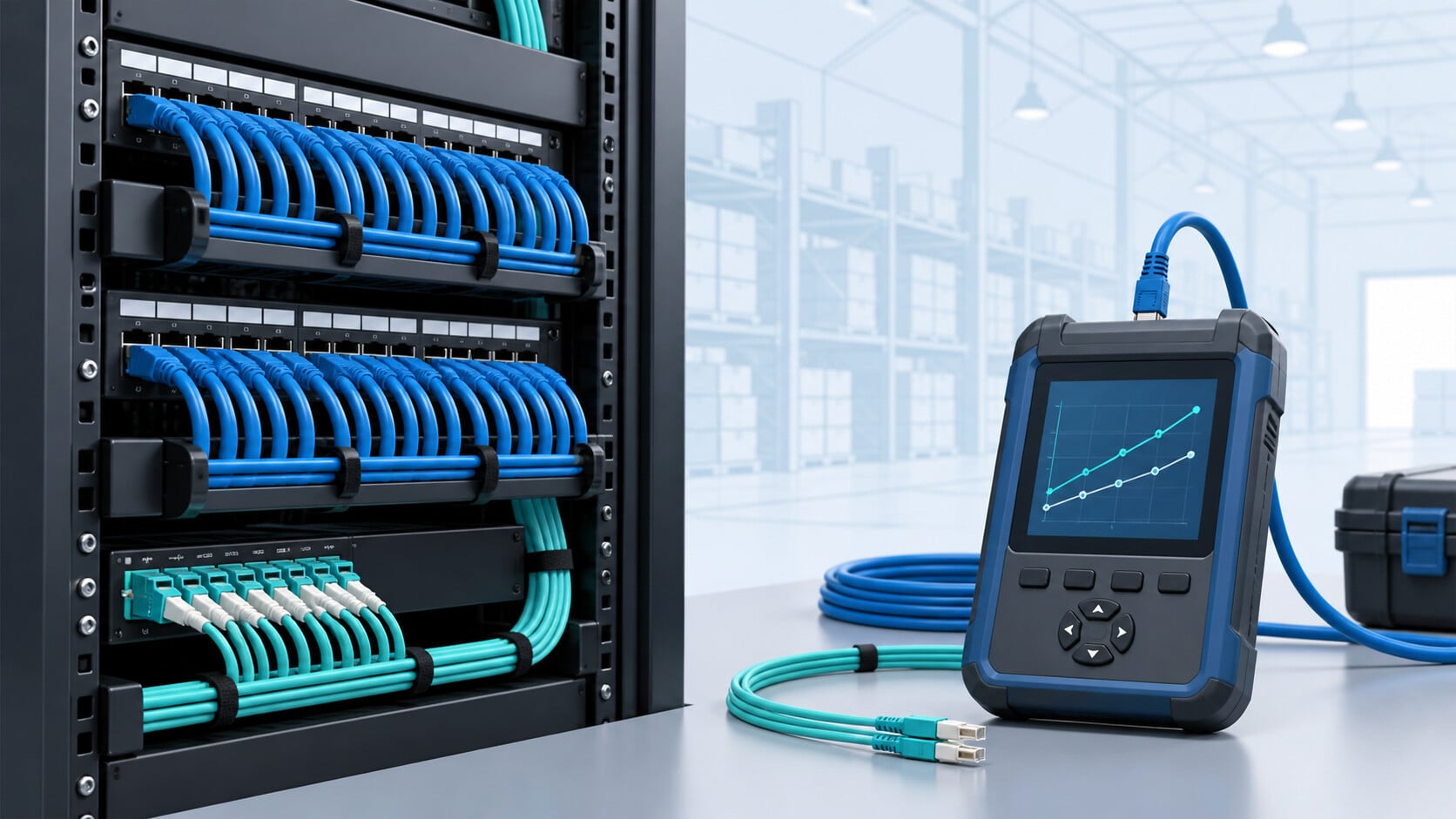
A useful infrastructure plan starts with the building’s operations, equipment locations, and future requirements. It should make connections easier to identify, maintain, and expand.
This guide explains the main planning considerations.
For property-specific assessment and installation, explore NERSA’s commercial structured cabling and network infrastructure services.
Testing and Installation Guides
Copper and fiber cable certification with Fluke Versiv explains testing scope, measurement records, and the reports to request at handover.
Fiber testing, splicing, and repair covers fault diagnosis, repair scope, and the checks needed to restore a documented connection.
What Is Commercial Structured Cabling?
Structured cabling is an organized approach to a building’s communications infrastructure. It brings cable routes, outlets, termination points, equipment rooms, labeling, and documentation into one coordinated plan.
The main components include:
- Horizontal cabling: Connections between work areas or devices and a network distribution point.
- Backbone cabling: Connections between equipment rooms, floors, or buildings.
- Patch panels and outlets: Identifiable termination points for individual connections.
- Racks and cabinets: Organized locations for network equipment.
- Pathways and supports: Routes that accommodate and protect installed cabling.
- Labels and records: Documentation that helps technicians trace and maintain connections.
Planning these components together helps project teams define the installation scope and prepare for future changes.
Commercial Building Cabling Design: Specify the Connection, Not Just the Outlet
Commercial network infrastructure cabling should begin with an equipment and pathway schedule for each building. For office workstations, wireless access points, IP cameras, door controllers and other networked devices, identify the endpoint, intended service, cable route, rack or cabinet, patch-panel location, power requirement and responsible network administrator. Select Cat6 or Cat6A only after reviewing application bandwidth, distance, installation environment, electromagnetic exposure and future capacity. Existing copper runs should be inspected and tested before being reused; a live link light alone does not demonstrate compliant cabling performance.
For industrial campuses and multi-building properties, compare appropriate copper links with engineered fiber-optic backbone connections, pathway protection and termination access. Specify labeling, separation from electrical circuits where required, grounding/bonding responsibilities, firestopping and testing against the agreed cabling category or fiber-link criteria. Acceptance records can include tested outlet and patch-panel IDs, relevant Fluke Versiv copper or fiber results, rack diagrams, unresolved exceptions and a documented handover to the building’s IT or facilities team. This guide explains design and verification decisions; the linked commercial infrastructure service page handles project-specific installation proposals.
Commercial Network Cabling Planning
Before selecting cable, identify what each connection must support.
Document device locations, connectivity requirements, power requirements, operating conditions, and anticipated expansion. Include workstations, shared equipment, wireless access points, cameras, and connected building systems.
A project brief should answer:
- Which areas need new or improved connectivity?
- What equipment will connect at each location?
- Where will cables terminate?
- Which existing connections may be suitable for reuse?
- What installation access or scheduling restrictions apply?
- What testing and documentation will demonstrate completion?
For help evaluating existing conditions, visit NERSA’s commercial security system inspection and assessment services.
Copper Network Cabling
Copper cabling commonly supports connections to workstations, wireless access points, cameras, and other network devices. Compatible equipment may also deliver power through the network connection using Power over Ethernet.
Selection should account for the complete connection: cable, termination hardware, route, connected equipment, and required performance.
Copper Cabling Planning Questions
- What network performance does the device require?
- Does the device need Power over Ethernet?
- Can the connected switch support the required power demand?
- What conditions will the cable route encounter?
- What testing is required for acceptance?
These requirements belong in the project scope before installation begins.
Fiber-Optic Backbone Cabling
Fiber may be appropriate for connections between network rooms, building areas, or separate structures.
A fiber plan should address the route, termination locations, compatible equipment, physical protection, testing, and capacity for future expansion.
Building-to-Building Connections
Begin with the actual route and site conditions. Review available pathways, building entry points, exposure, access, and maintenance responsibilities.
Document the complete connection between buildings, including the equipment and termination arrangements at both ends.
Explore NERSA’s infrastructure and cabling services for property-specific planning.
Network Closets, Racks & Cable Management
Organized equipment areas support maintenance and troubleshooting.
Review rack space, equipment access, power, ventilation, cable entry, and room for additional equipment. Establish consistent identifiers for outlets, patch panels, and connections.
What to Include in the Equipment-Room Plan
- Rack or cabinet locations.
- Equipment and patch-panel arrangements.
- Cable entry and management.
- Access requirements.
- Available space for expansion.
- Documentation and labeling responsibilities.
Keep records current when connections change so that the physical installation remains traceable.
Structured Cabling for Wireless Access Points
Wireless access points depend on supporting network infrastructure.
Their locations should follow coverage and capacity requirements. Provide connectivity and power at those planned locations, with suitable pathways and maintenance access.
Cabling, access-point placement, and network configuration should be coordinated as parts of the same project.
Network Cabling for Commercial Security Cameras
Camera infrastructure should follow the intended viewing locations and recording requirements.
Coordinate cable routes with device power, mounting conditions, network equipment, recording arrangements, and service access. Identify outdoor or difficult-to-reach locations before finalizing the scope.
Camera Infrastructure Planning Priorities
- Camera locations and viewing objectives.
- Connectivity and power requirements.
- Network distribution points.
- Recording-system connections.
- Environmental conditions.
- Testing and handover responsibilities.
For property-specific camera design and installation, visit NERSA’s commercial video surveillance services.
For larger facilities and portfolios, explore NERSA’s commercial and enterprise video surveillance resources.
Cabling for Access Control & Integrated Security
Access-control equipment and connected security systems may involve several wiring, power, and network requirements.
Define who is responsible for network connections, system-specific wiring, device installation, configuration, and final verification. Use a coordinated location plan so that work at doors, equipment rooms, and network distribution points aligns.
Learn more about NERSA’s unified and integrated security systems.
Commercial Cabling by Property Type
Office Buildings
Map workstations, meeting rooms, shared equipment, wireless access points, and anticipated changes in occupancy. Coordinate outlet locations with furniture and room layouts.
Warehouses & Industrial Facilities
Review operating conditions, mounting locations, available pathways, and maintenance access. Schedule installation around production, vehicle movement, and restricted areas.
Retail & Multi-Tenant Properties
Identify responsibility for shared infrastructure and tenant-specific connections. Document access arrangements and coordinate work around business operations.
Campuses & Multiple Buildings
Map distribution points and connections between buildings. Use consistent labeling, testing, and handover requirements across the property.
Review NERSA’s service areas when preparing a location-specific inquiry.
Cabling Testing, Labeling & Documentation
Define acceptance requirements before installation begins.
A completed handover should provide enough information for the property representative and support team to understand what was installed and how it was verified.
Recommended Handover Records
- Final outlet and cable identifiers.
- Updated location and connection drawings.
- Test reports matched to installed links.
- Rack and patch-panel records.
- Identification of spare capacity.
- Outstanding work or documented exceptions.
- Responsibilities for configuration and ongoing support.
A device connecting successfully is one observation. The installation should also meet the agreed testing and documentation requirements.
Existing Network Cabling Upgrades
Start an upgrade by establishing what is already installed and what needs to change.
Gather available drawings, labels, test reports, and equipment records. Identify the connections proposed for reuse and assess their suitability for the new requirements.
For operational problems, document affected devices, locations, symptoms, and recent changes. This helps distinguish cabling issues from equipment, power, or configuration problems.
Discuss coordinated infrastructure work through NERSA’s commercial cabling services.
Commercial Structured Cabling Project Checklist
Prepare the following before requesting an assessment:
- Property scope: Buildings, floors, rooms, and operational areas.
- Device inventory: Existing equipment and planned additions.
- Location plan: Proposed outlets, cameras, access points, and equipment rooms.
- Existing records: Drawings, labels, and available test reports.
- Installation constraints: Access restrictions and acceptable work hours.
- Expansion needs: Expected changes in equipment or occupancy.
- Responsibilities: Cabling, switching, configuration, and system verification.
- Acceptance requirements: Testing, documentation, and handover expectations.
Copper and Fiber Certification with Fluke Networks Versiv
Specify the test platform and the required reports before the installation starts. Fluke Networks Versiv supports different measurement modules: DSX CableAnalyzer for copper certification, CertiFiber Pro for optical loss testing, and OptiFiber Pro for OTDR testing. The correct module and setup depend on the installed cable and the acceptance specification.
For copper, identify whether the scope is a permanent link or a complete channel. Match the test limit and adapters to that scope. Keep the cable identifiers consistent from the outlet and patch panel through the test report. A passing result under the wrong test limit does not establish acceptance under the required one.
For fiber, define the fiber type, test wavelengths, reference method, and allowable loss. Optical loss testing evaluates the end-to-end path. OTDR testing helps locate and characterize events along the fiber, such as connectors, splices, or faults. These methods answer different questions; the project specification should say which records are required.
Ask for the final results in a usable report format, with the relevant native records available for future comparison.
Identify the measurement modules and their calibration status.
Installed-cable certification is different from a technician training credential or a manufacturer system warranty.
Each requires its own evidence.
See Fluke Networks’ explanation of cable-testing levels for the distinction between verification, qualification, and certification.
Follow the Connection from Outlet to Application
A practical acceptance review follows one named connection through the whole system. Match the outlet label to the patch-panel port and test report. Confirm the assigned switch port and intended device. Then check the application with its owner. A successful cable test alone does not prove that a camera is recording, a phone receives calls, or an access point serves its intended area.
For detailed device termination and pathway considerations, use low-voltage security-device wiring.
Review PoE switching when connected equipment receives power through its network cable.
For links between rooms or buildings, use fiber infrastructure planning to coordinate the backbone and remote equipment.
Frequently Asked Questions
What Is the Difference Between Structured Cabling and Network Cabling?
Network cabling describes physical connections used by network equipment. Structured cabling describes the organized system around those connections, including distribution points, termination hardware, labels, and documentation.
Can Existing Cabling Be Reused?
Potentially. Reuse depends on its condition, performance, identification, and suitability for the proposed equipment. Assess existing connections against the project’s requirements.
Does New Cabling Automatically Improve Wi-Fi?
Wi-Fi performance also depends on access-point placement, configuration, capacity, and the surrounding environment. Cabling provides the supporting connection and should be evaluated alongside those factors.
Should Cameras and Business Devices Be Planned Together?
Coordinate their infrastructure requirements, including locations, connectivity, power, and capacity. Network access and configuration should follow the requirements of the overall system design.
What Should a Commercial Cabling Proposal Include?
Look for defined connection locations, installation scope, equipment responsibilities, testing requirements, documentation, and exclusions. Identify assumptions that still require site verification.
Commercial Structured Cabling Services Through NERSA
NERSA provides this guidance to help owners, IT teams, and facilities staff define a cabling project and evaluate the finished installation.
For local camera projects, use the Lehigh Valley security camera installation guide to coordinate cable routes, PoE and acceptance testing, and the regional video-surveillance guide to plan coverage, recording and system operation.
For Lehigh Valley access control projects, define controller network connections and the separate reader, lock-power and door-monitoring circuits.
For an on-site assessment, installation proposal, or coordinated infrastructure project, visit NERSA’s commercial structured cabling and network infrastructure services.
Ready to define your cabling project?
Request a structured-cabling assessment and share your location, outlet needs, existing network equipment and work window.
Compliance, Codes & Project Standards
NERSA plans commercial and industrial security work with applicable code, documentation, inspection and authority-having-jurisdiction requirements in mind. Requirements vary by system, property and jurisdiction. These resources support project planning; they do not establish legal compliance, certification or AHJ approval.
Related guidance: Regulatory compliance & inspection readiness · Low-voltage infrastructure compliance · NEC & low-voltage wiring