
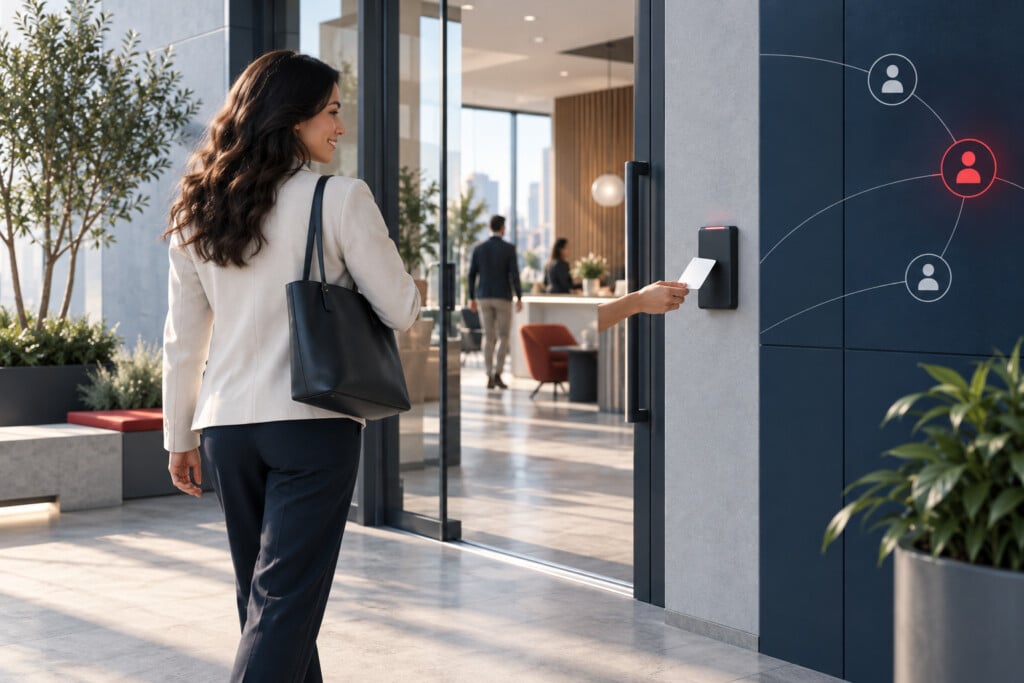


Enterprise access control connects people, permissions, buildings, and administrative authority. Establish who approves and maintains access across the organization before choosing credentials or copying door groups between facilities.
Part of Enterprise Security Systems Integration.
Complete Hardware Installation and Door Adjustments Included
NERSA installs all access-control hardware specified for your system and fine-tunes the complete door opening as part of the installation. This includes door, hinge, latch and closer adjustments so the door closes, latches and operates reliably with the access-control system.
Before handover, we test credential operation, authorized entry, door closing, latching and required exit operation. Hardware installation and these door adjustments are part of our installation work.
Model the organization before the doors
Identify employee, contractor, visitor, administrator, and service roles. Separate the authority to enter an area from the authority to grant access or configure the system. Define which decisions are corporate, regional, departmental, and local, including temporary access and exceptions.
Plan the credential lifecycle
Document enrollment, transfers, replacement, suspension, expiry, and termination. Decide how the platform matches identity records and which system owns each field. Mobile credentials, cards, and fobs may coexist, but revocation and reporting should still follow a consistent process. Validate the supported lifecycle for the exact platform and integrations.
Define behavior across buildings
NERSA is an authorized Hayward Turnstiles dealer, providing turnstile sales, installation and enterprise access integration for controlled pedestrian entrances. Coordinate lane permissions, visitor exceptions, accessible passage and emergency operation with the selected platform. Automatic door operators require defined release and activation sequences alongside reader, lock and door-status behavior.
Enterprise deployment includes complete supporting infrastructure: EMT, rigid metal, stainless steel and PVC conduit; surface-mounted Wiremold raceway; copper control wiring, Cat6/Cat6A and fiber between buildings. Compatible IP backhaul may use point-to-point or point-to-multipoint wireless bridges or cellular communications. Solar and battery systems for remote access points require engineered load, autonomy and seasonal-generation calculations. Power supplies, backup power, surge protection, network segmentation, labeling and commissioning records support repeatable installation across sites; local door decisions and required exit functions are tested under the agreed interruption scenarios.
Review local controller decisions, communication loss, cached permissions, and synchronization after recovery. Elevator, gate, multi-building, and anti-passback applications introduce dependencies that the team must test individually. Do not treat access events or occupancy estimates as a complete personnel accounting system.
Make administration reviewable
Keep an approval record for permission changes and define who reviews administrator privileges. Test positive and negative access cases, expired credentials, changed schedules, disabled identities, and outage conditions. Document the resulting behavior and exceptions before the team adds the next site.
Elevators and multi-building permissions
Map elevator floor permissions, building access, tenant boundaries, and after-hours schedules to approved roles. Confirm the supported interface with the elevator contractor and responsible project team. Document what changes locally and centrally, who removes permissions, and which functions depend on communication. Test representative floors and building transfers without assuming that a credential valid at one entrance should work throughout the campus.
Parking and gate access
Treat vehicle entry permissions as a defined application of the access model. Identify employee, contractor, delivery, and visitor schedules, the system that owns authorization, and the event record used for review. Gate hardware and safety behavior require qualified review. Use the dedicated vehicle-intelligence resources when plate recognition or cross-site vehicle records are part of the workflow.
Explore supporting enterprise resources
- Enterprise Credential Lifecycle Management — A credential lifecycle defines how a person gains, changes, and loses physical access across the organization.
- Enterprise Physical Access Roles and Delegated Administration — An enterprise role model separates a person’s authority to enter a building from an administrator’s authority to change the system.
- Enterprise Access Control and Identity Directory Integration — Identity integration can connect employee records with physical access administration, but the connection must have a defined source of truth and a verified lifecycle.
- Enterprise Mobile Credential Deployment — A mobile credential rollout is an enrollment and support program as well as a technology choice.
- Enterprise Anti-Passback and Occupancy Planning — Anti-passback and access-based occupancy functions depend on a reliable model of entrances, exits, zones, and credential events.
- Enterprise Access Control Continuity and Redundancy — Access-control continuity planning specifies which functions must remain available when a server, network connection, power source, or hosted service fails.
- Enterprise Access Control Audit Trails and Reporting — Enterprise access reporting should allow authorized reviewers to understand permission changes and relevant door events across locations.
Related planning resources
- Commercial & Industrial Access Control Systems
- Managed Access Control Systems and System Health Monitoring
- Enterprise Visitor Management Systems (VMS)
- Commercial Gate Access Control Systems
- Access Control System Upgrades
Frequently Asked Questions
What should enterprise access control establish before selecting credentials?
Establish who approves and maintains access across buildings and teams. Distinguish entry permissions from administrative authority, and plan credential changes, departures, and local exceptions. The organizational model should guide doors and credentials.
Can permissions simply be copied from one facility to another?
Copying door groups is not a substitute for reviewing the destination site’s needs. Confirm the people, openings, schedules, and authority involved, and make administration reviewable. Shared standards should still account for each building’s required behavior.
Let’s talk about your next step
Tell us what you want to improve and which locations are involved. We can help you work through the questions, check what your systems support, and define a practical project scope. For Lehigh Valley facilities, connect the enterprise standards to local commercial access control installation so each building’s openings, credentials, infrastructure and acceptance tests fit the wider administration plan.
Compliance, Codes & Project Standards
NERSA plans commercial and industrial security work with applicable code, documentation, inspection and authority-having-jurisdiction requirements in mind. Requirements vary by system, property and jurisdiction. These resources support project planning; they do not establish legal compliance, certification or AHJ approval.
Related guidance: Regulatory compliance & inspection readiness · Access control & door hardware standards · NFPA 101 & egress planning · ADA access-control planning