
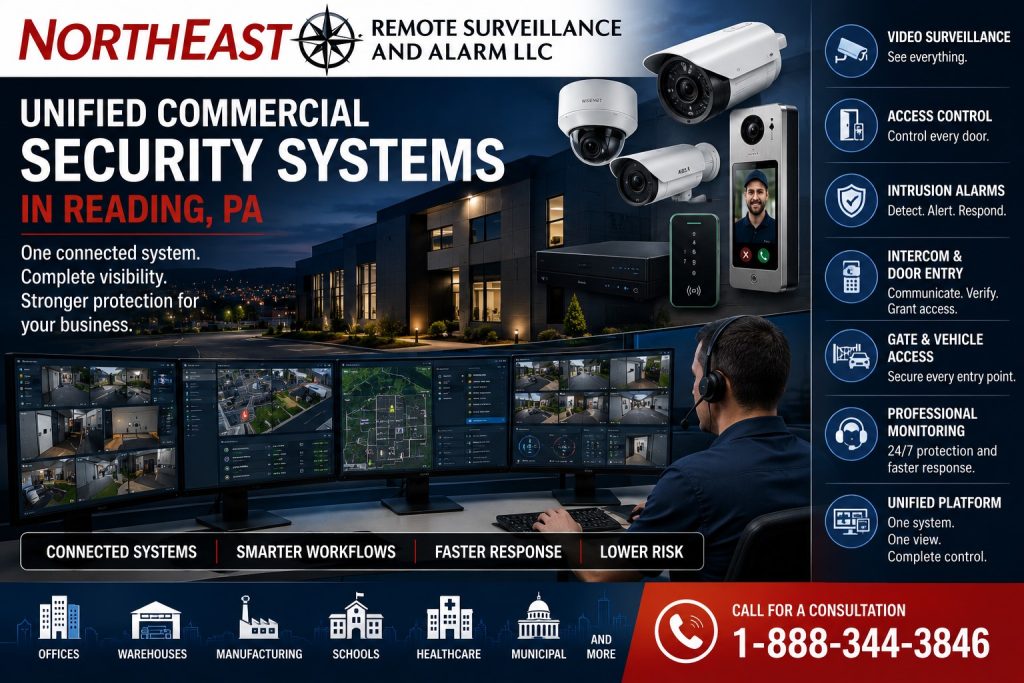
Unified commercial security systems in Reading, PA coordinate compatible video, access control, alarms, intercoms, and monitoring around defined operating workflows.

Request a unified security assessment
Plan the Response Before Connecting the Systems
For a Reading business, integration should solve a specific operating problem. Start with an event such as a held-open staff door, an after-hours alarm or a delivery at a controlled gate. Identify who receives the event, what information they need and which actions they are authorized to take. This creates a practical scope for connecting systems instead of simply collecting features in one application.
For example, a warehouse may need an authorized supervisor to review the camera covering a loading entrance when a door alarm occurs. An office may need visitor intercom calls to reach a designated person during business hours and follow a different procedure after closing. Document these workflows separately; they may require different equipment, permissions and service arrangements.
Evaluate the Existing Reading Property
Inventory the cameras, recording platform, access controllers, alarm equipment, intercoms, network connections and power supplies already installed. Confirm administrative access, software support and any recurring licenses. Equipment that works independently may not support the event sharing or remote actions the project requires. NERSA can review what can be retained and where a phased upgrade is more practical.
Also review the physical layout and working routines. Shared tenant entrances, receiving areas, production spaces and detached buildings can create different coverage and connectivity needs. Keep each system’s essential operation clear during a network interruption, power failure or integration fault, and document how responsible personnel learn about those conditions.
Test the Workflow and Assign Ownership
Agree on an acceptance checklist before installation. Test the selected event, the related camera view, timestamps, notification delivery and the permitted operator response. Include an interrupted connection and the return to normal operation. Verify actual platform capabilities rather than assuming every device can share events or commands.
Assign responsibility for user changes, alarm contacts, system updates and service requests. Train the people who will operate the completed system, and retain the configuration and support information needed for future changes. The guides below cover individual systems; the unified project plan establishes how those systems work together at your Reading property.
Systems to Coordinate
Video Surveillance — Plan camera views and recording for event review.
Access Control — Coordinate authorized entry with relevant security events.
Intrusion Alarms — Connect selected alarm conditions with verification procedures.
Intercom and Controlled Entry — Coordinate visitor communication and approved entry.
Gate Access Control — Connect controlled vehicle entry with supporting systems.
Security Monitoring — Define how selected events reach responsible personnel.
Cabling and Infrastructure — Plan the connections supporting coordinated operation.
Administration and Modernization
Multi-Site Security and Standardization — Coordinate security systems, shared standards, and administration across Reading-area locations.
Security Upgrades and Retrofits — Evaluate existing equipment before phased integration work.
Related System Planning
Unified and Integrated Security Planning — Review platform compatibility and broader integration options.
Fire Alarms and Monitoring — Review fire alarm services as a separate system scope.
Reading Security Planning
Reading Commercial Security Systems — Return to the main Reading guide for coordinated property planning.
Request a unified security assessment to review your Reading property’s systems and workflows.
Compliance, Codes & Project Standards
NERSA plans commercial and industrial security work with applicable code, documentation, inspection and authority-having-jurisdiction requirements in mind. Requirements vary by system, property and jurisdiction. These resources support project planning; they do not establish legal compliance, certification or AHJ approval.
Related guidance: Regulatory compliance & inspection readiness · NERSA project standards · Documentation, testing & inspection readiness